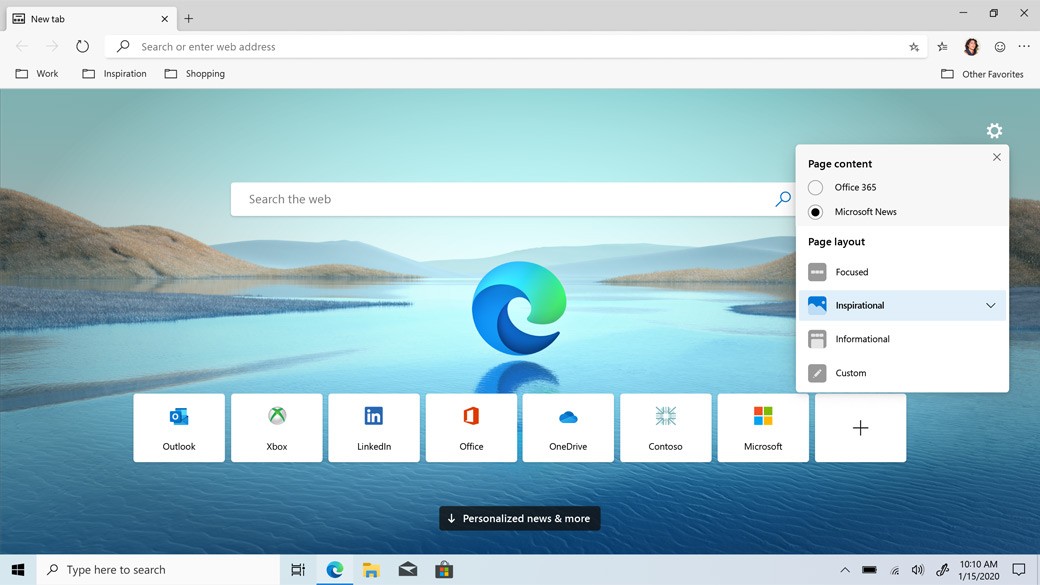
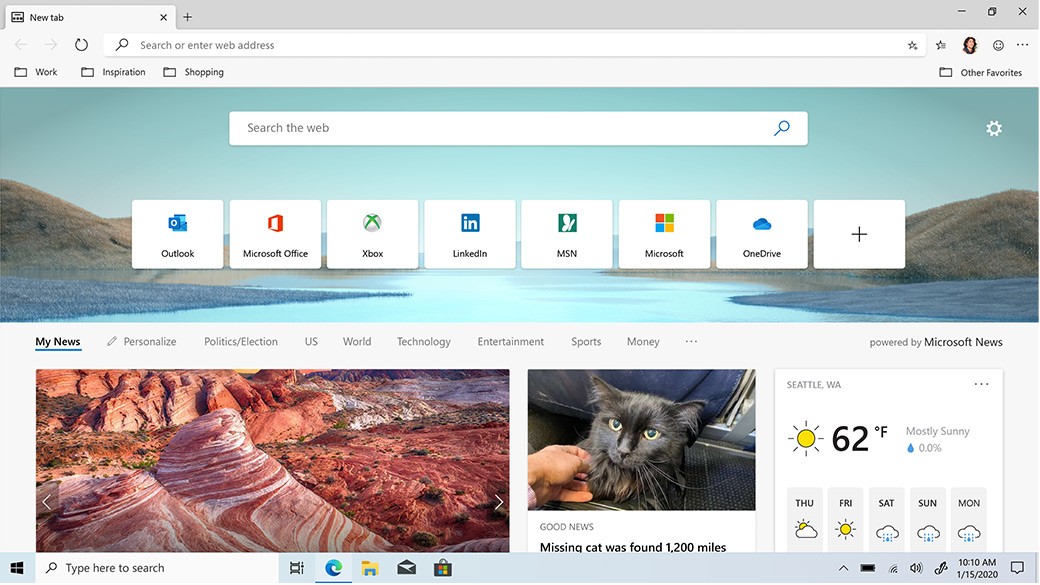
Users of Windows know Microsoft Edge very well as the default browser, replacing the old Internet Explorer. It has undergone considerable changes since its introduction. The Chromium engine underlies Edge, along with its unique features, while ensuring compatibility with current web technologies, as it uses the same open-source framework as Google Chrome.
Fast performance stands as one major attraction of Microsoft Edge. The browser delivers excellent performance with minimal resource usage, allowing it to operate effectively on older devices. Windows integration brings useful extras like vertical tabs, collections for research organization, and an enhanced reading mode. Security is a key area, with tracking prevention tools and Microsoft Defender SmartScreen protecting against phishing and malicious websites.
Microsoft Edge is available across multiple operating systems, which positions it strongly as a current-generation web browser. Edge provides a complete browsing solution with seamless OneDrive and Office integration and built-in PDF editing tools, suitable for both everyday and professional users. Copilot is a newer Microsoft Edge feature that brings powerful AI tools right to your fingertips.
Why Should I Download Microsoft Edge?
Microsoft Edge provides many benefits that establish it as a reliable daily browsing solution. Multiple reasons exist to download the browser, starting with its performance. Built on Chromium, Microsoft Edge performs similarly to Google Chrome while optimizing its resource usage. Lower memory usage keeps it running smoothly when you have multiple tabs active.
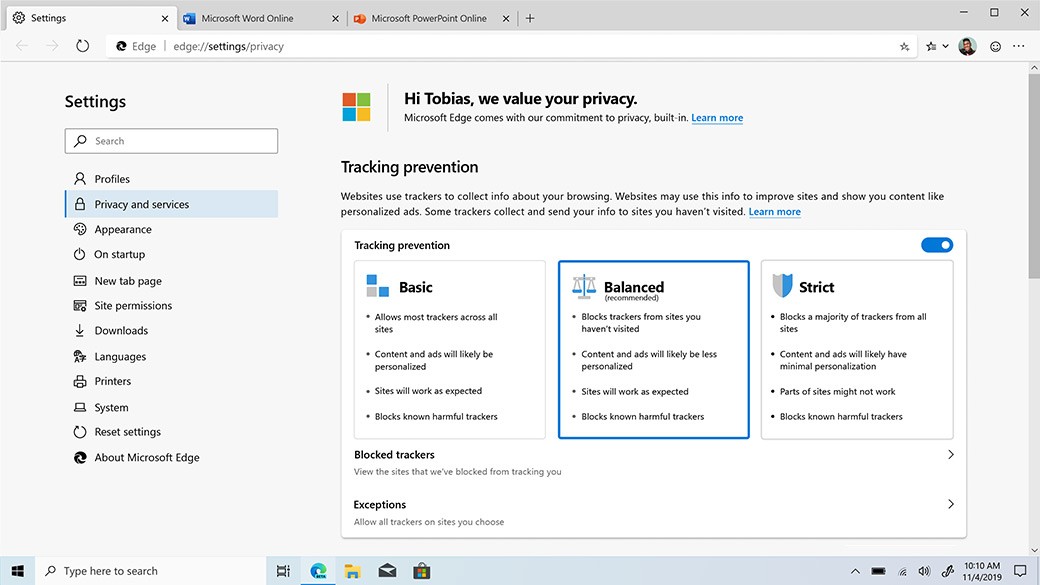
Security is another strong reason to try Microsoft Edge. Built-in protection tools detect malware, phishing attacks, and tracking activities. Microsoft Defender SmartScreen warns users about dangerous websites and suspicious downloads. The browser also provides privacy-conscious users with multi-tiered tracking prevention features to control their data sharing settings.
Microsoft Edge provides outstanding productivity capabilities in addition to its other features. Through its Collections feature, users can arrange web content, notes, and images in an orderly fashion. The integrated PDF reader lets users annotate documents through text highlighting, add remarks, and draw directly on PDF files. The vertical tabs system delivers a useful way to manage multiple active pages for users handling extensive research or multitasking.
Microsoft 365 users benefit from the seamless OneDrive and Office integration, along with Bing search functionality for accessing files and documents from within the browser. Sleeping tabs reduce memory consumption by putting unused tabs in a power-conserving state.
Immersive Reader Mode removes distracting page elements so users experience proper, distraction-free text. The tool is particularly useful for students and individuals who need extended focus when reading long documents.
For a fast, secure browser with helpful features, Microsoft Edge is worth downloading. It combines Chrome's browsing foundation with Microsoft's productivity improvements.
Is Microsoft Edge Free?
Microsoft Edge is completely free to download and use. Windows devices have it pre-installed, while macOS, iOS, and Android users can access it free of charge. All features are available at no cost, and data synchronization requires no subscription.
What Operating Systems Are Compatible with Microsoft Edge?
Replacing Internet Explorer, Microsoft Edge runs on Windows, macOS, Linux, iOS, and Android. Windows 10 and 11 users have it pre-installed, while Windows 7 and 8 users can download and install it separately.
Mac users can get Microsoft Edge through the Apple App Store or Microsoft's official website. The macOS version delivers the same functionality as the Windows version, giving users a consistent experience across operating systems.
The mobile version runs on Android and iOS, with synchronized history, bookmarks, and passwords across devices. The Linux version extends accessibility further, and cloud sync ensures a consistent experience regardless of platform.
What Are the Alternatives to Microsoft Edge?
Some users prefer different browsers because Microsoft Edge doesn't meet all their specific needs, with each alternative offering features that cater to different preferences.
Google Chrome is the most widely used alternative. Both browsers share the Chromium engine, giving them similar performance. Chrome leads in extensions and offers deeper integration with Google Drive and Gmail. Its memory usage can be a drawback on older devices.
Mozilla Firefox is a strong option for privacy-focused users. As an open-source browser, Firefox prioritizes privacy, automatically blocking third-party cookies and ads. It uses less memory than Chrome and offers extensive customization, making it popular among users who want more control over their browsing experience.
Brave is the top recommendation for maximum browser privacy. It blocks ads, trackers, and unnecessary scripts by default for fast, secure browsing. Users can also earn Basic Attention Token through its built-in cryptocurrency wallet. For anyone who values security and ad-free browsing, Brave is a solid choice.