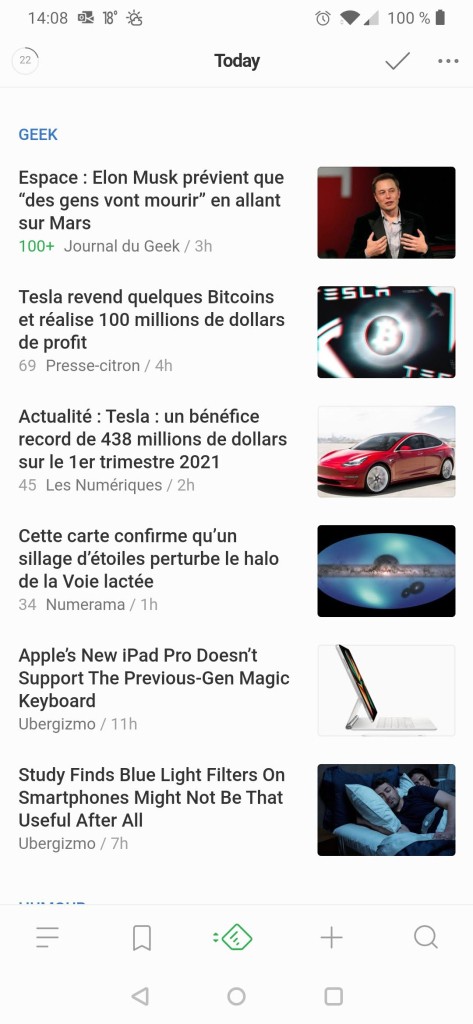
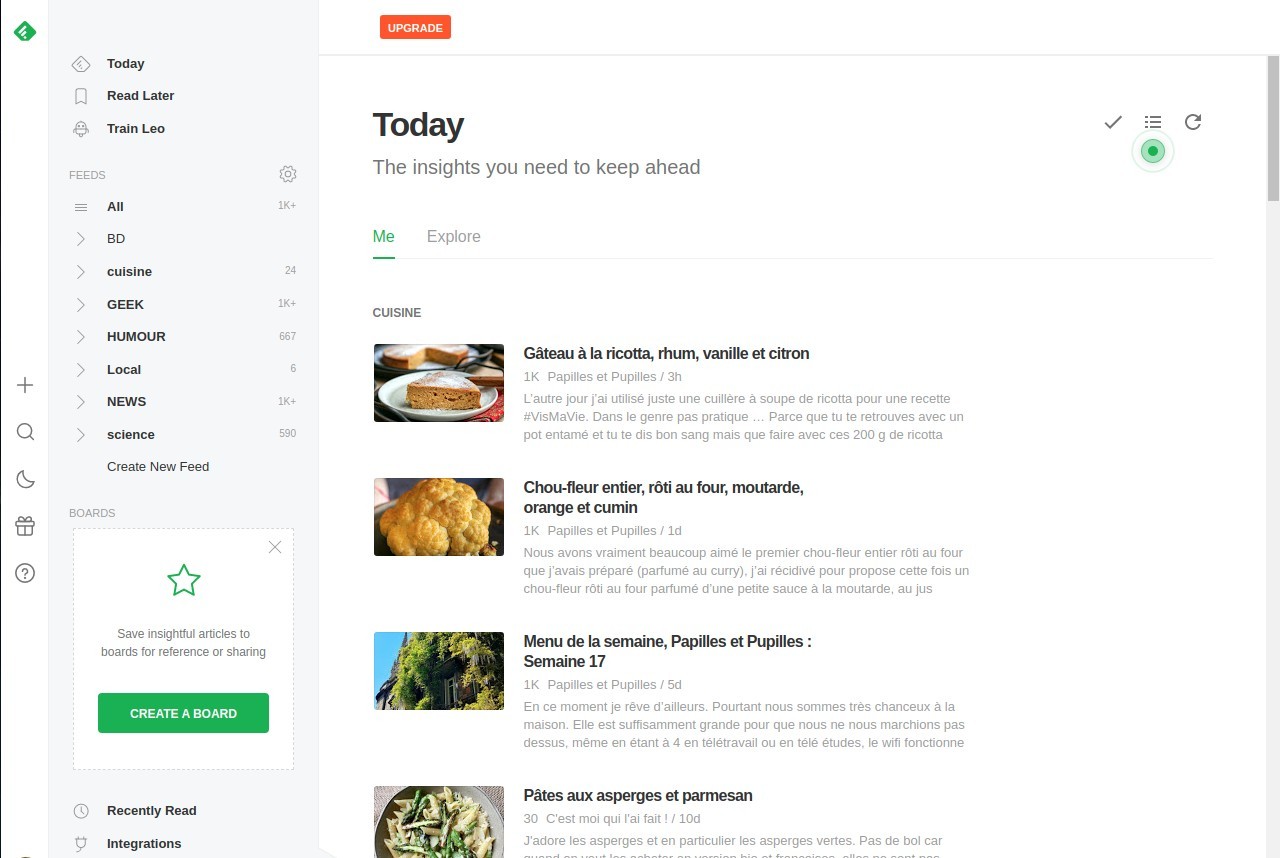
Feedly is an app that keeps all your reading material in one place. Instead of bouncing around different websites, news apps, and social feeds, you can build your own personal news hub that shows exactly what you want to see. Think of it as a customizable magazine where you’re the editor.
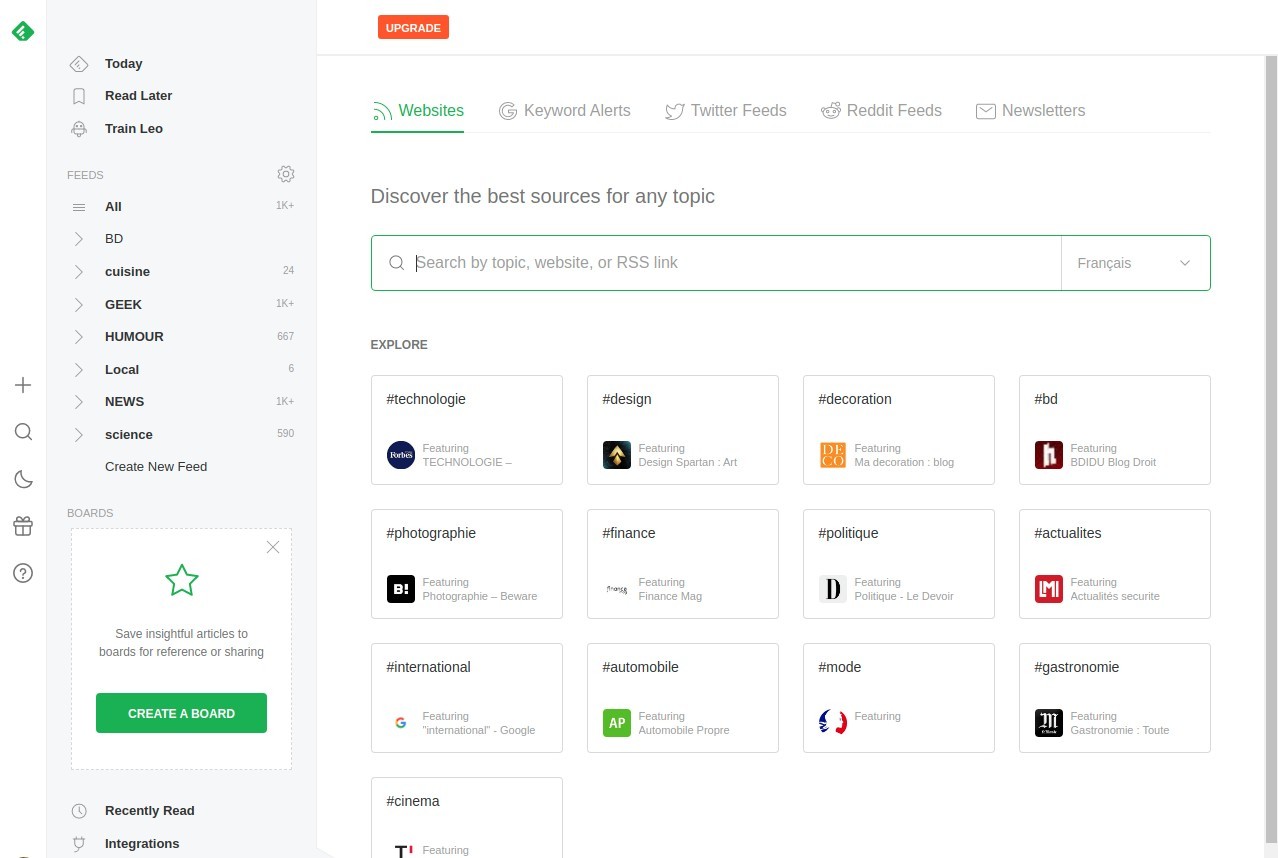
The backbone of Feedly is RSS feeds, which are streams of updates from websites. You don’t need to understand the technical side of it to use the app. You just add the sites you like—blogs, news outlets, podcasts, even YouTube channels—and Feedly automatically pulls in their new posts. When you open the app, everything’s neatly organized, waiting for you.
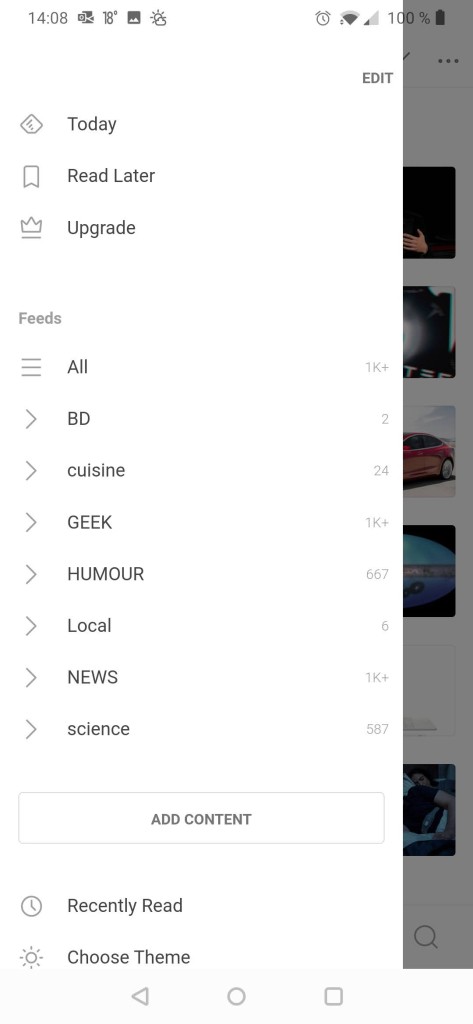
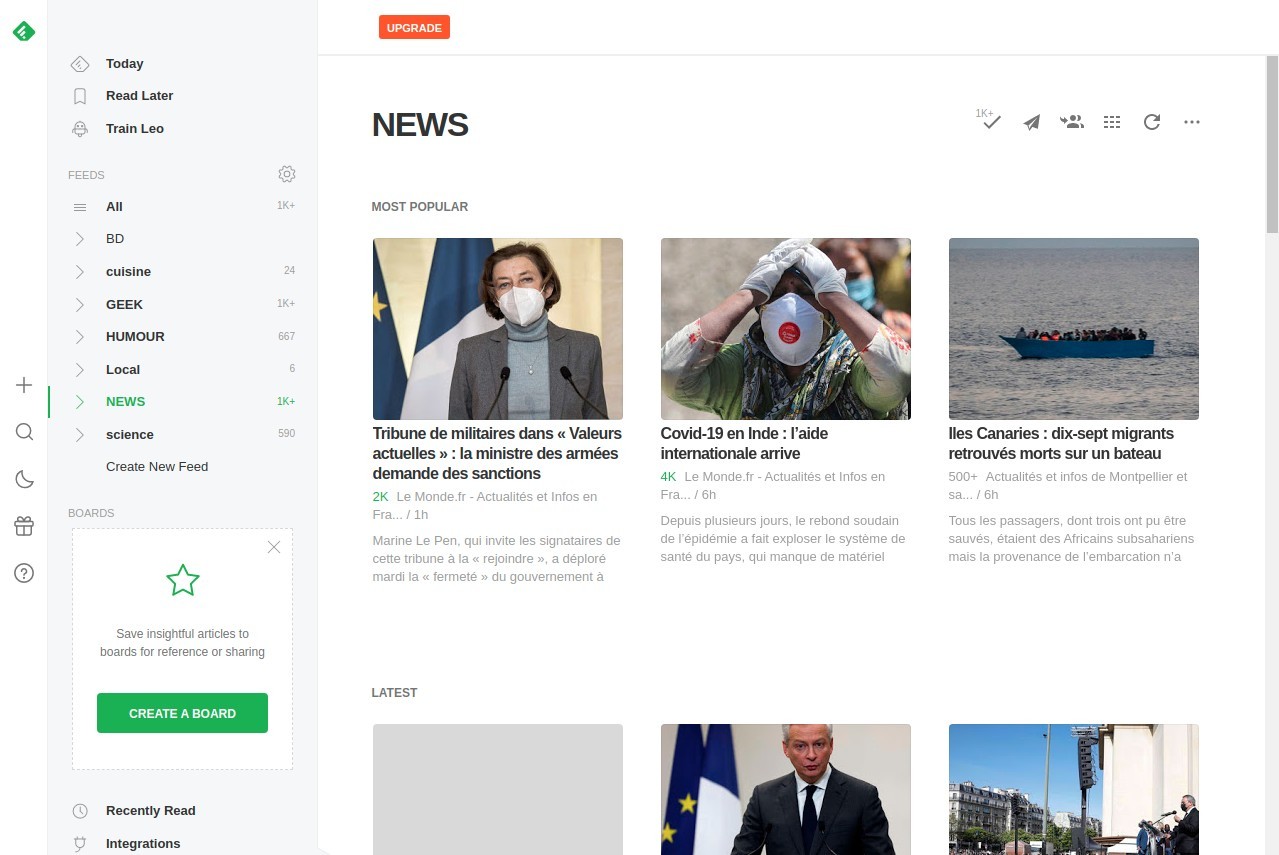
What makes Feedly practical is the way it helps you manage information overload. Instead of chasing content, you sit back and let it come to you. And it isn’t just a dumping ground—it lets you organize everything into categories. For example, you might set up one feed for technology news, one for cooking blogs, and another for business updates. That way, you can jump straight into whatever mood you’re in without being distracted by everything else.
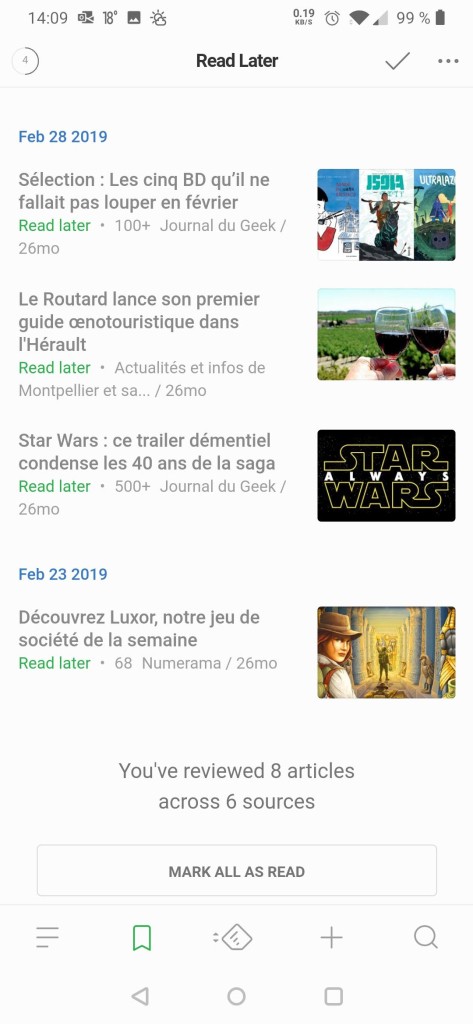
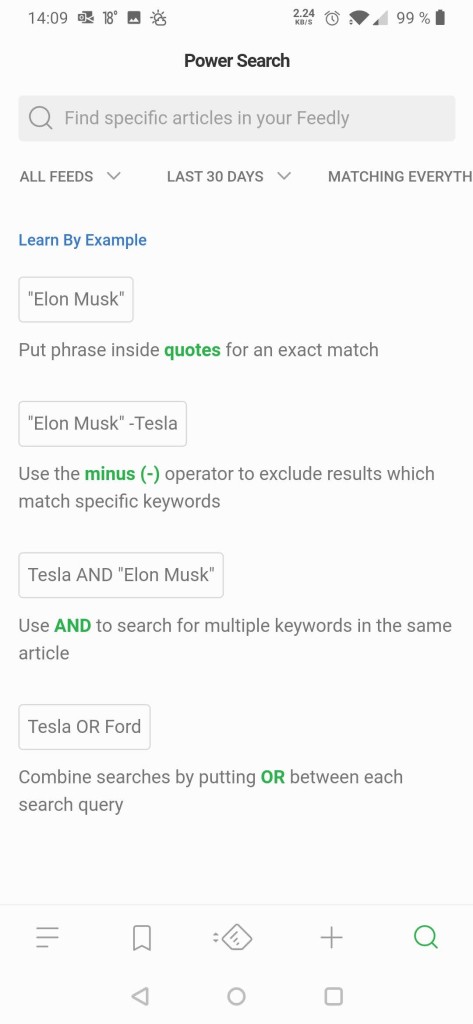
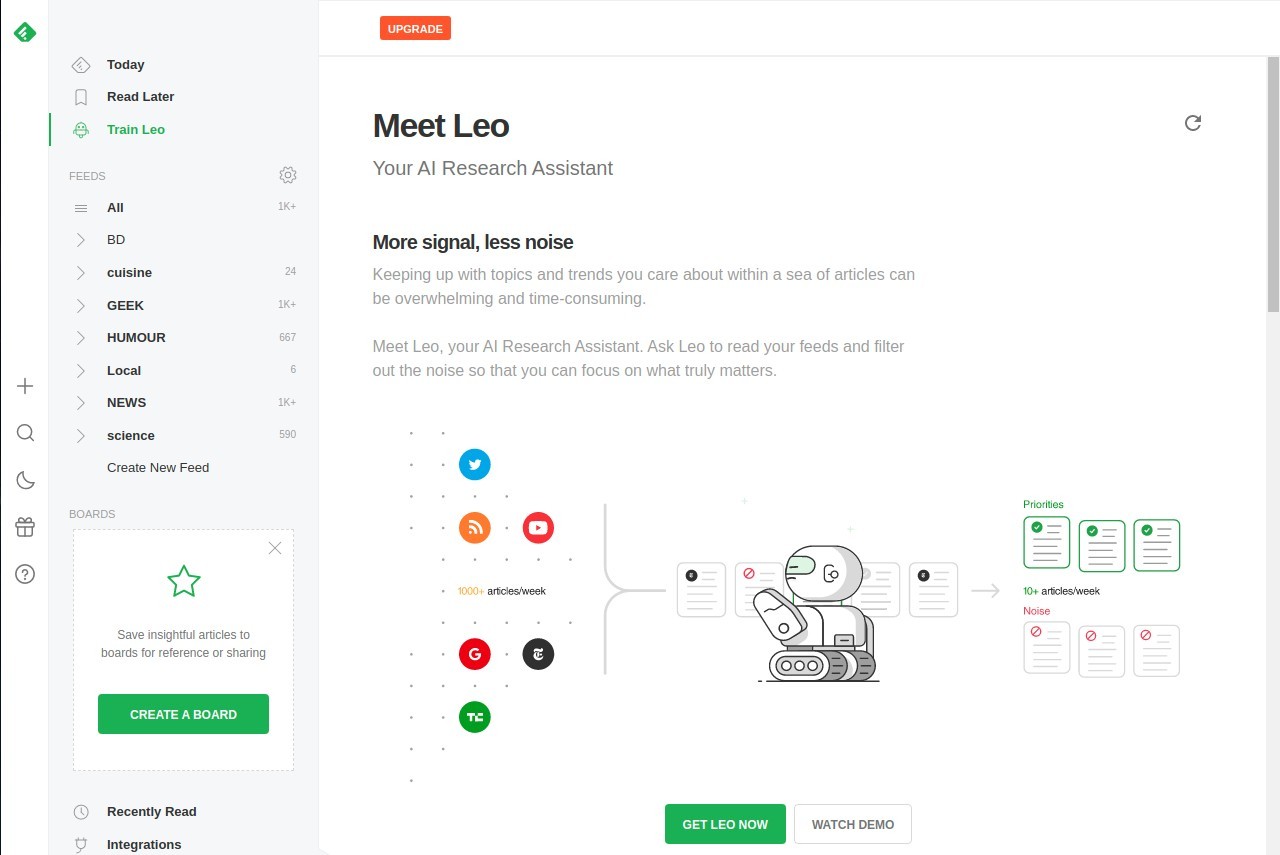
Feedly also has extra features that go beyond just reading. You can save articles for later, share them with coworkers, or plug them into tools like Slack, Evernote, and Pocket. There’s even a built-in AI helper called Leo that learns your interests and starts filtering content so you see less noise and more of what actually matters to you.
Why should I download Feedly?
The internet is noisy. Every site is pushing notifications, social media is full of distractions, and it’s easy to feel like you’re missing the important stuff. Feedly cuts through that mess. By choosing the sources yourself, you skip the clickbait and endless scrolling that comes with algorithm-driven feeds.
If you’re someone who likes staying on top of your field, Feedly is especially useful. Journalists, marketers, and researchers use it to track hundreds of sites without losing their sanity. Instead of checking twenty tabs every morning, they open Feedly, skim through the latest updates, and send the important ones to whatever app they use to organize their work. It saves time and makes you look like the person who always knows what’s going on.
Even if you’re not using it for work, there’s value for everyday life. Maybe you want all your favorite recipe blogs in one place. Or you’re into photography and want to follow several niche sites. Or you simply don’t want to rely on social media to keep up with news. Feedly handles all of that.
Then there’s the personalization. The Leo AI is like a filter you train. Tell it to prioritize “AI research” or “climate change,” and it starts pulling those articles to the top. At the same time, you can mute topics you don’t care about. Over time, it feels less like scrolling through clutter and more like browsing something built for you.
Feedly is also cross-platform, so whether you’re at a desk or commuting, your feeds are in sync. That makes it easy to build a routine—scan the headlines on your phone in the morning, dig into deeper reads at your computer later.
Is Feedly free?
Yes, Feedly has a free plan that works well for casual readers. With it, you can follow up to 100 sources and sort them into three feeds. That’s usually enough for someone who just wants to keep up with their main interests—say, a handful of blogs, a couple of news sites, and maybe a podcast.
For people who need more, there are paid plans. Feedly Pro removes the source limit, adds faster updates, and connects to other tools like Evernote, Pocket, and Dropbox. Pro+ takes it further by giving you full access to Leo’s AI features, better filters, and more integrations. At the top, there’s Feedly Enterprise, which is built for teams that need collaboration features and advanced security.
The free version is generous enough to get a feel for how the app works, and plenty of people stick with it. But if you’re a professional who depends on staying updated in real time, the Pro versions are worth it because they cut out a lot of manual effort.
So while it isn’t completely free across the board, it doesn’t lock you out of the essentials. You can start without paying a cent and only upgrade if you find yourself requiring more.
What operating systems are compatible with Feedly?
Feedy is compatible with nearly all places. On a desktop, it can run directly in a web browser, so it is compatible with Windows, macOS, Linux, and even ChromeOS without any dedicated application. The online edition is slick, and it will be a seamless connection with your account.
On mobile, both iOS and Android have dedicated apps. They are also programmed to be comfortable to read on smaller screens and have the same organizational features as the desktop version. You can also read on your feeds on a commute, store articles to be read later, or even share them in the process.
It all works on your account, so anything you do on one device will be transferred to the other devices. When you check something on your phone, it is already removed from your list when you get to your laptop. Such a synchronization allows one to skip between devices without losing track.
It does not have an independent desktop application, but that is not much of an issue since the browser version can do everything that you would expect. Feedly has you covered on all fronts now that mobile apps take care of the remaining.
What are the alternatives to Feedly?
Feedly is not the only option through which you can organize your reading. One of these options could be more suitable depending on your taste in content.
Flipboard sorts out the stories in a magazine format. Rather than a list, you swipe through graphic-rich pages. It is preset and refined and, therefore, attractive in case you like a more visual experience. You do not get as much control over the sources as Feedly, but the display is smoother.
PressReader is more inclined towards traditional magazines and newspapers. You have access to complete publications of the world, displayed in the same way as their print editions. It is not so much about blogs or niche sites but mainstream media. This is a good alternative to individuals who are not fond of using paper.
Google News is an alternative strategy. Rather than you picking at each source, the algorithms of Google bring trending news and local news to the surface. It is easy--you open the application, and it presents you with what is happening. The negative is that it has less control, because you cannot adjust the feed in the same way as Feedly.