A website is only as strong as the web hosting service behind it. Your choice of hosting provider decides how fast your pages load, how often your site goes offline and how much help you get when something breaks, so the decision matters for any business that wants to reach customers online.
Many web hosting companies promise top performance, and only a handful keep that promise consistently. In this guide we compare ten well-known website hosting services on price, speed, security, support and the kind of site each one suits best in 2026. Hostinger, SiteGround, InMotion Hosting, Hosting.com and DreamHost also have full Gizmodo reviews, where we measure speed and uptime on a test site, and we link them in each section.
Top 10 Web Hosting Providers in 2026
- Hostinger: the best web host overall
- SiteGround: the best for security
- InMotion Hosting: the best for customer support
- Hosting.com (formerly A2 Hosting): the best for speed
- DreamHost: the best for VPS
- Bluehost: the best for WordPress
- PlanetHoster: the best value for money
- HostGator: the best for shared hosting
- GreenGeeks: the best eco-friendly web hosting
- GoDaddy: the best VPS hosting for developers
Web Hosting Providers at a Glance
The table below puts the ten hosts side by side. It shows the entry plan we link for each one, the launch price shown on the plan page, the money-back window and the support channels. Prices change often and depend on the term you choose, so check the plan page before you pay.
| Host | Best for | Entry plan and launch price | Money-back guarantee | Support |
|---|---|---|---|---|
| Hostinger | Overall | Premium, $2.99/mo on 48 months | 30 days | Live chat 24/7 |
| SiteGround | Security | StartUp, $2.99/mo on 12 months | 30 days | Chat, phone and tickets 24/7 |
| InMotion Hosting | Customer support | WordPress Core, about $3.69/mo | 90 days on terms of 6 months or longer | Phone and chat 24/7 |
| Hosting.com | Speed | Starter, about $2.99/mo on a long term | 30 days | Chat, email, tickets and phone 24/7 |
| DreamHost | VPS | Launch, $2.89/mo for the first year | 30 days | Chat and email |
| Bluehost | WordPress | WordPress plans from $3.99/mo | 30 days | Chat 24/7, phone on higher plans |
| PlanetHoster | Value for money | Projet Web Standard, $7.99/mo | 60-day withdrawal right | Phone, chat and tickets 24/7 |
| HostGator | Shared hosting | Snappy 2 GB VPS, $2.64/mo | 30 days | Phone and chat |
| GreenGeeks | Eco-friendly hosting | Lite, $2.95/mo on 12 months | 30 days | Chat and phone |
| GoDaddy | VPS for developers | Economy, $5.99/mo on 36 months | 30 days | Chat and phone 24/7 |
Best Web Hosting Providers for 2026: Reviewed and Compared
Choosing the best web hosting provider is hard because reliability cannot be judged from a plan page. Below we review each host in turn, starting with our top pick, and we point out where each one is strong and where it falls short.
1. Hostinger: Best Overall Web Hosting Service for 2026

Pros
- 30-day money-back guarantee
- Free domain for the first year on terms of 12 months or longer
- Free website migration
- LiteSpeed servers and caching on shared plans
- Live chat support 24/7
- Data centers on four continents
Cons
- No dedicated server hosting
- No phone support
Hostinger sits at the top of our ranking because it combines low prices with fast servers and an easy dashboard. It is a popular choice for WordPress sites, more than 5 million customers use it, and WordPress.org lists it among its recommended hosts. In our review, an optimized test site reached a time to first byte of 291 ms and a full load of 733 ms.
Hostinger Pricing and Features
Hostinger’s shared and WordPress hosting use the same three plans, which suit small and medium-sized business sites. On a 48-month term billed upfront, Premium costs $2.99/mo for 3 websites, 20 GB of SSD storage and weekly backups. Unlimited costs $3.99/mo for unlimited websites under fair use, 50 GB of NVMe storage, daily backups, a CDN and staging, and Cloud Startup costs $7.99/mo with 100 GB of NVMe storage, a dedicated IP and 4 GB of RAM.
Code GIZMODO takes another 10% off, which brings those plans to $2.69, $3.59 and $7.19 per month. Every plan includes a free domain for the first year on terms of 12 months or longer, free SSL and free migration from another host. That price level also places Hostinger at the top of our ranking of the most affordable WordPress hosting providers.
Hostinger also sells VPS plans from $6.49/mo on a 24-month term, which give you root access and dedicated resources, plus an Agency plan with white-label options for people who manage sites for clients. Its Game Panel plans run game servers from $6.99/mo, and our page on the best hosting for Minecraft servers explains why we rank it first for that use.
Cloud hosting suits larger projects that need more resources than shared plans, while VPS hosting gives you dedicated resources that remove the performance swings of a shared server. Both let you customize the server environment as your site grows, and they sit one step above the shared plans when traffic rises. Hostinger does not sell dedicated servers, so the VPS plans are its top tier for demanding sites.
Hostinger has also added AI to the platform: Its AI Builder, which merged the classic Website Builder and Horizons in August 2026, generates a site from a prompt with plans from $6.99/mo. Hostinger Agent handles guided tasks such as blog drafts and SEO audits from the top of hPanel.
Get Hostinger With Code GIZMODO
Hostinger Speed and Performance
In our recent Hostinger review, we built a test website on the Unlimited plan and measured it with GTmetrix and Google PageSpeed Insights. A fresh WordPress install showed a time to first byte of 576 ms and a full load of 1.4 seconds. After we turned on LiteSpeed Cache and the CDN, the time to first byte fell to 291 ms, the page loaded fully in 733 ms, GTmetrix gave an A with a score of 100%, and PageSpeed Insights gave 99.
Hostinger runs LiteSpeed on its shared and WordPress plans, and LiteSpeed handles traffic with less memory than Apache or Nginx. The CDN, which improved our speed score by up to 40%, comes with Unlimited and above. Hostinger has data centers in North America, South America, Europe and Asia, and you can change the location of your site from hPanel, which helps when your audience sits in one region.
Hostinger Backup and Security
Hostinger protects sites with a web application firewall, a malware scanner for WordPress, DDoS protection and unlimited free SSL certificates. Backups run weekly on Premium and daily from Unlimited, and you can restore files from hPanel with one click. Our test site stayed online throughout the review period, and Hostinger backs its service with a 99.9% uptime guarantee.
Hostinger Customer Support
Hostinger support runs through live chat around the clock, where Hostinger Agent answers first and a human agent can take over. There is no phone line. Step-by-step video walkthroughs and a large knowledge base cover most setup questions, and Hostinger has more than 72,000 reviews on Trustpilot with a 4.7 out of 5 rating.
hPanel Control Panel
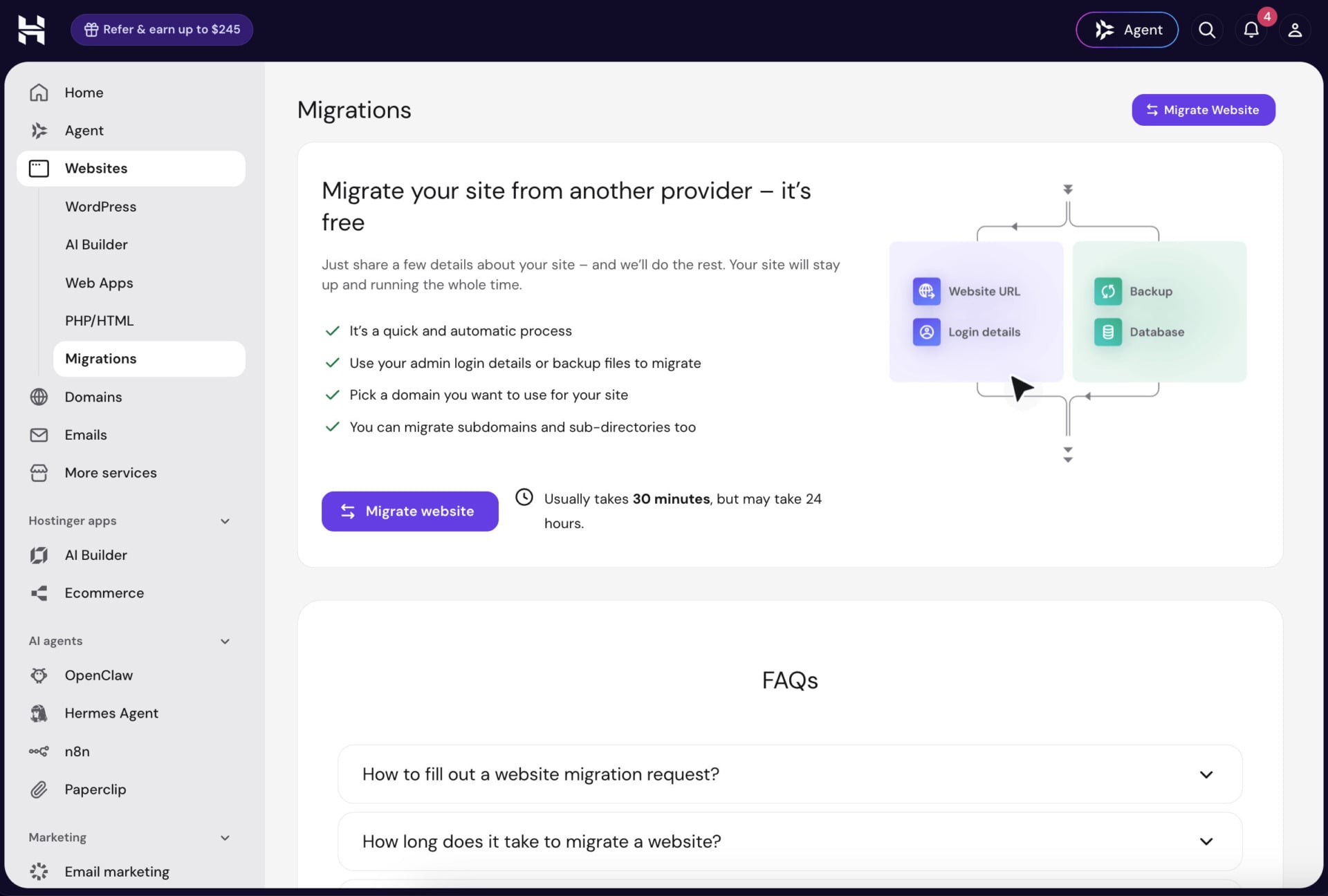
Hostinger uses its own control panel, hPanel, which has a clean, minimal design. You can monitor performance, view your plan details, add or migrate websites and domains, and reach your files and databases. The WordPress staging tool lets you test changes before they go live, and you can create and edit your site through the WordPress admin.
Who Should Choose Hostinger?
Hostinger suits first-time site owners, small businesses and WordPress users who want a low price and a simple dashboard. It also fits people who want AI tools in the same account as their hosting. Choose another host if you need phone support or a dedicated server. Our Hostinger coupon page explains how to claim the latest discounts.
Start With Hostinger’s 30-Day Guarantee
2. SiteGround: Best for Security
Pros
- Custom web application firewall and AI anti-bot protection
- Daily backups stored in a second data center
- Google Cloud infrastructure and a free CDN
- Support by chat, phone and tickets, 24/7
- Servers on four continents
- White-label hosting for agencies
Cons
- Renewals cost about 6 times the launch price
- Only 10 GB of storage on the StartUp plan
SiteGround is not first in our ranking, but it is one of the ten best web hosting providers of 2026. It is best known for strong security, and it hosts more than 3 million domains. The company has two decades of experience with WordPress and e-commerce hosting, and our SiteGround review covers it in full.
Compare SiteGround’s Hosting Plans
SiteGround Pricing and Features
SiteGround sells shared, WordPress, WooCommerce, cloud and reseller hosting, and it is known for one of the best WooCommerce hosting services. On a 12-month term paid upfront, StartUp costs $2.99/mo for one website, 10 GB of storage and about 10,000 monthly visits. GrowBig costs $4.99/mo and GoGeek $7.99/mo, and both allow unlimited websites, with 20 GB and 40 GB of storage.
Every plan includes unmetered traffic, free SSL, daily backups, free email, a free CDN, unlimited databases and a 30-day money-back guarantee. The higher plans add staging and Ultrafast PHP, which SiteGround says makes PHP up to 30% faster, and on-demand backups. Renewals are $17.99, $29.99 and $44.99 per month, about six times the launch price, so budget for the second year.
For growing sites, SiteGround also sells cloud hosting. Four preconfigured plans run from Jump Start at $80/mo, with 4 CPU cores, 8 GB of memory, 40 GB of SSD storage and 5 TB of data transfer, up to Super Power at $400/mo. You can also build a custom cloud plan with your own CPU, memory and storage.
SiteGround also sells reseller and white-label hosting for agencies that manage sites for clients, so you can brand the dashboard and bill your customers yourself. That option suits web designers more than single-site owners, and it is one reason SiteGround stays popular with agencies despite its higher renewal prices.
SiteGround Speed and Performance
SiteGround runs its sites on Google Cloud infrastructure with SSD persistent storage, and it uses its own PHP setup to cut memory use and the time to first byte. The free SG Optimizer plugin sets the latest PHP version, optimizes the front end and images, and helps with caching. A global CDN and data centers in the US (four locations), Spain, the UK, the Netherlands, France, Germany, Singapore and Australia put your site closer to visitors.
In our review, the host recorded 99.95% uptime over 7 days, a time to first byte of 40 ms and a fully built test site that loaded in 683 ms. A server near your audience helps you reach results like these, and a single test site cannot predict every outcome.
SiteGround Backup and Security
SiteGround’s custom web application firewall receives new security rules as threats appear, and an AI anti-bot system blocks brute-force attempts. Servers are checked every half second, and the SG Security plugin adds extra layers for WordPress, including automatic updates for the core and plugins. Free Let’s Encrypt SSL, spam protection and account isolation come with every plan.
Daily backups are stored in a second data center, so your data stays available even if the primary server fails, and you keep 30 days of history. The site scanner looks for malware and gives you tools to respond if your site is attacked.
SiteGround Customer Support
SiteGround offers live chat, phone and help desk tickets around the clock, along with a knowledge base and an AI assistant for quick questions. The company reports a 98% customer satisfaction rate on its own site, and it has a 4.9 out of 5 rating on Trustpilot from more than 26,000 reviews. Some support options require a login, which is less convenient for people who only want to ask a pre-sales question.
Who Should Choose SiteGround?
SiteGround suits WordPress owners and small stores that value security, daily backups and fast support, and that can budget for the higher renewal price. It is less suited to people who want a low price for many years. If you are still deciding, our Hostinger vs SiteGround comparison shows the differences side by side.
3. InMotion Hosting: Best for Customer Support
Pros
- Phone and chat support 24/7 from a US-based team
- 90-day money-back guarantee on terms of 6 months or longer
- Shared, WordPress, VPS and dedicated hosting
- Free domain and SSL on its plans
- cPanel and the BoldGrid website builder
- Managed hosting with onboarding help
Cons
- Prices vary by term and plan
- Backup Manager is a paid add-on on shared plans
- Data centers only in the US and Europe
InMotion Hosting is not the best of the best, but its reliable service and strong support make it a leader in the hosting industry. It sells shared, reseller, VPS and dedicated hosting, so you can start small and move up as your site grows. It also won the 2025 Best Customer Service award from HostingAdvice.com, and our InMotion review covers the details.
InMotion Hosting Pricing and Features
InMotion’s WordPress hosting starts at about $3.69/mo, and its shared plans start at a similar entry price that changes with the billing term. The VPS plans start at $13.99/mo on a 24-month self-managed term, and managed VPS plans start at $43.49/mo. Prices depend on the term you commit to, so compare the term and the renewal price on the plan page.
The basic shared plan suits new businesses, with SSD storage, free SSL, unlimited bandwidth and email accounts, and higher plans add a free domain, more websites and unlimited NVMe storage. You also get the BoldGrid website builder, one-click installs of popular applications and cPanel. The 90-day money-back guarantee applies to terms of six months or longer, which is the longest refund window in this guide.
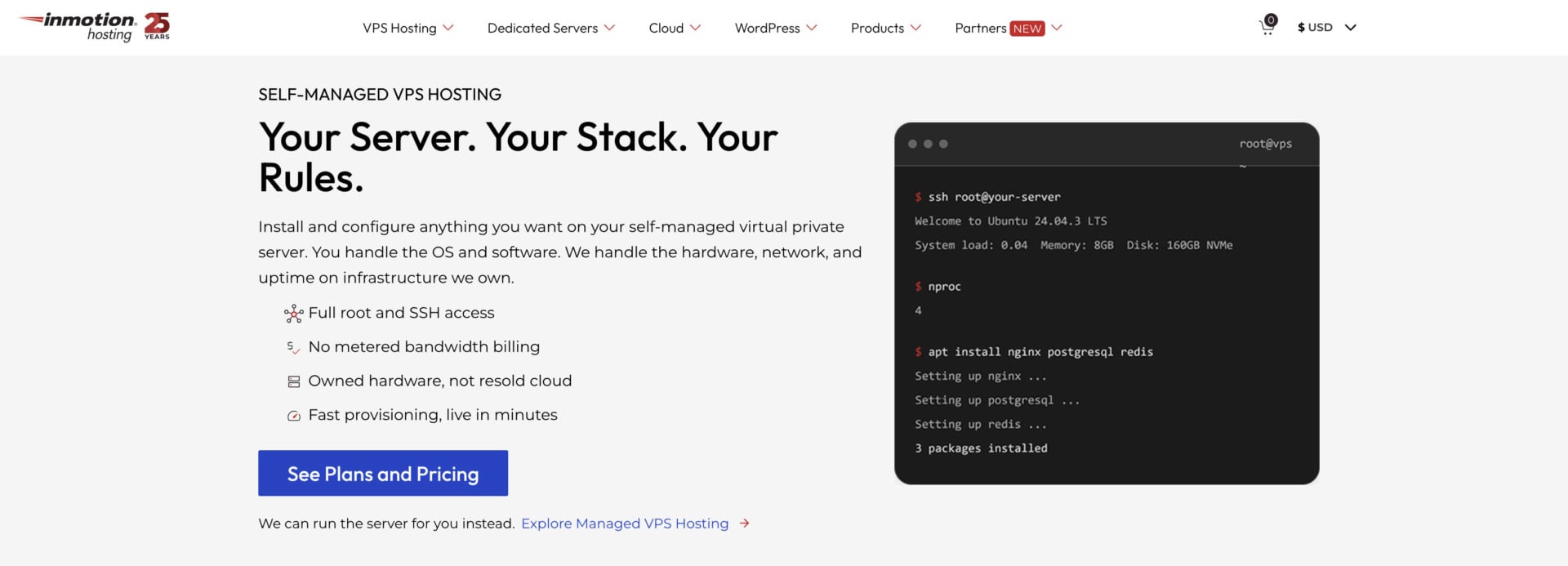
The VPS plans give you root and SSH access with your choice of AlmaLinux, Debian or Ubuntu, and they are Docker-ready. The managed version adds Launch Assist, an onboarding service that InMotion values at $199, plus security and operating system patches.
InMotion also sells reseller hosting and dedicated servers. Reseller plans suit agencies that host several client sites, and dedicated servers give you custom hardware and software for projects that need maximum control. These higher tiers explain why InMotion works as a long-term host, because you can stay with one provider from your first shared plan to a dedicated machine.
InMotion Hosting Speed and Performance
InMotion runs UltraStack, its own server stack tuned for caching, on NVMe storage, and it advertises a 99.99% uptime guarantee. Its data centers in the US and Europe are designed for fast connections. In our InMotion review, the host recorded 99.96% uptime over one week, close to its promise, and a time to first byte of 191 ms.
One week is a short window, so treat the uptime figure as a snapshot, not a guarantee. The 191 ms result was faster than Hostinger’s 291 ms in our tests, while SiteGround’s 40 ms stayed ahead.
InMotion Hosting Backup and Security
InMotion protects sites with a free SSL certificate, malware and hack protection through Monarx, a web application firewall and DDoS prevention. Backup Manager is an automated tool that lets you schedule backups and choose files, databases or mailboxes, and it restores them with one click. It is a paid add-on on shared plans, so budget for it if you want simple recovery.
InMotion Hosting Customer Support
InMotion support is available 24/7/365 by phone, live chat and ticket, and its US-based team is known for clear, friendly answers. A large knowledge base with guides and articles helps you solve common problems on your own. Phone support makes InMotion the easiest host in this list to reach when you prefer talking to a person.
Who Should Choose InMotion Hosting?
InMotion suits small businesses that want a person to talk to, a long refund window and a clear upgrade path from shared hosting to VPS. It is less suited to people who want the lowest possible price, since plan prices change with the term you choose.
4. Hosting.com (Formerly A2 Hosting): Best for Speed
Pros
- LiteSpeed web servers with caching
- Plugin Optimized for WordPress and Imunify360 security
- Support 24/7/365 by chat, email, tickets and phone
- 30-day money-back guarantee
- Shared, WordPress, VPS and dedicated plans
Cons
- The lowest prices need a long term
- Plan names changed after the 2025 rebrand
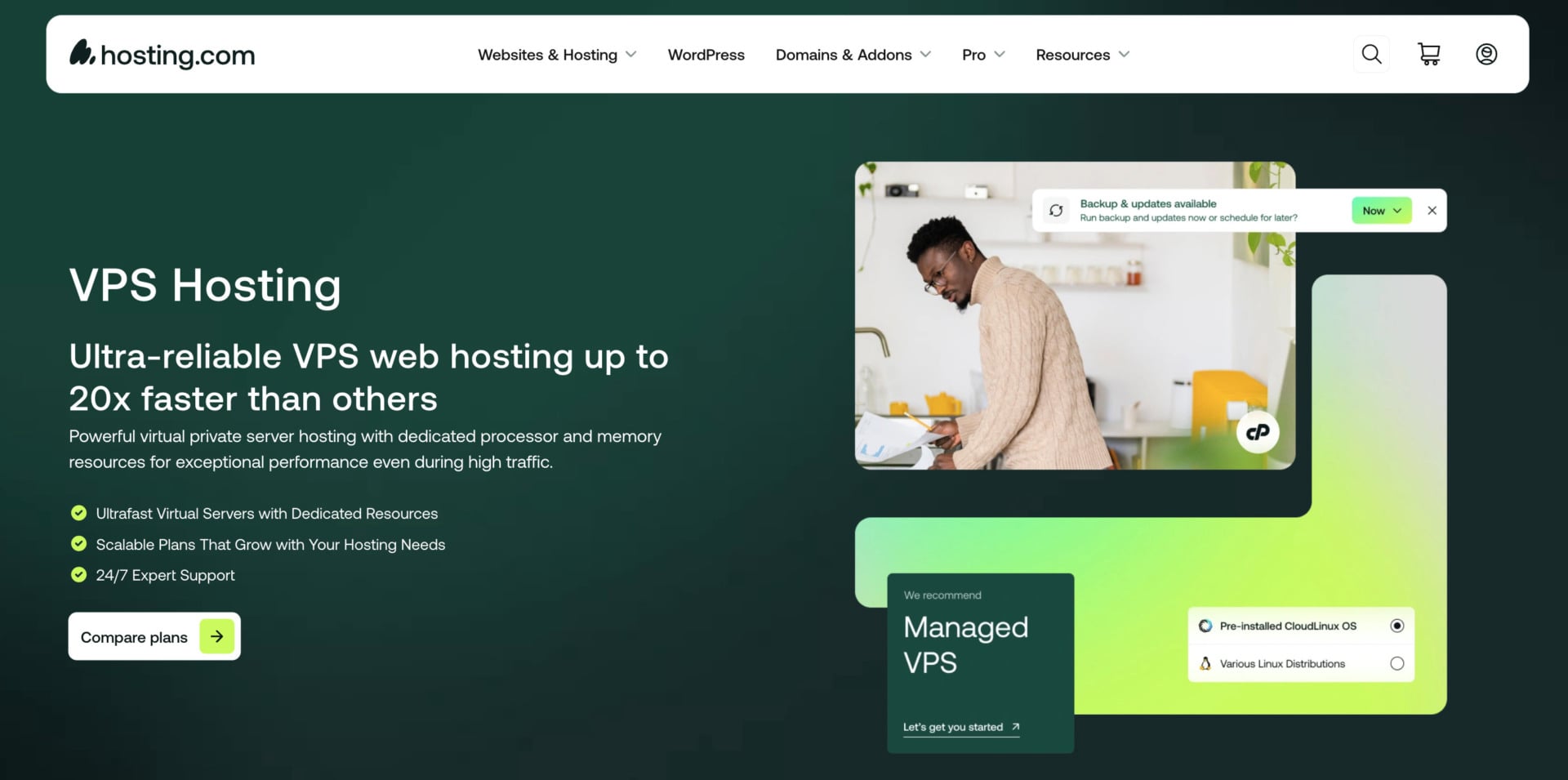
Hosting.com is the company that used to be A2 Hosting. World Host Group bought A2 Hosting in January 2025, and the brand became Hosting.com in spring 2025. It earns its place in our top ten for fast servers and scalable plans, and it has a plan for every need, from shared hosting to dedicated servers. Our Hosting.com review covers the history and the plans.
See Hosting.com’s Hosting Plans
Hosting.com Pricing and Features
The shared plans were renamed Starter, Pro and Max and start at about $2.99/mo on a long term. Managed WordPress plans start at $11.99/mo, and every plan has a 30-day money-back guarantee and a staging tool to test changes. The best prices need a long commitment, so compare the launch and renewal price for the term you choose.
The VPS line has unmanaged plans from $6.49/mo on a three-year term, for example the Self Managed Linux 4GB plan with 2 cores and 80 GB of NVMe storage. Managed VPS plans with cPanel start at $23.20/mo for 4 GB of RAM on a one-year term. Developers get root access and a choice of Linux distributions on the unmanaged plans, and cPanel is optional.
For WordPress sites, Plugin Optimized configures popular software such as WordPress, Drupal and Joomla, and Turbo Hub helps you manage performance settings. Hosting.com also offers free site migration, and a daily malware scan comes with its Imunify360 security tools.
Higher up the range, Hosting.com sells dedicated servers for projects that need a whole machine, with the highest level of control and security. Developers and stores with heavy traffic usually move there after they outgrow VPS plans, and the host’s managed options take care of updates if you do not want to run the server yourself.
Hosting.com Speed and Performance
Hosting.com runs LiteSpeed web servers, which handle high traffic and resource-heavy sites better than Apache, and higher plans use NVMe storage that reads and writes data faster than older drives. A staging tool and built-in caching round out the performance tools.
In our Hosting.com review, we recorded a time to first byte of 244 ms, a first and largest contentful paint of 481 ms, an average response time of 645 ms and 100% uptime over three days. Three days is a very short window, so we treat the uptime figure with caution. Hosting.com commits to 99.9% uptime.
Hosting.com Backup and Security
Each plan includes a security suite with Imunify360, a web hosting firewall, brute-force defense, virus scanning and DDoS protection. Every plan also comes with a free SSL certificate, and the host runs server monitoring around the clock. Check the backup terms on the plan page for the plan you choose, since backup frequency can differ by plan.
Hosting.com Customer Support
Hosting.com offers support 24/7/365 by live chat, email, tickets and phone, and a knowledge base covers common questions. Agents often link a knowledge base article when they answer, which helps if you like to learn the fix yourself. Phone support makes it easier to reach than Hostinger.
Who Should Choose Hosting.com?
Hosting.com suits people who want fast LiteSpeed servers, security tools and phone support as a backup. It is a fair pick if you are comfortable with a brand that changed its name in 2025. Compare the launch price for your chosen term, because the lowest prices need a long commitment.
5. DreamHost: Best for VPS

Pros
- Unmanaged Stack VPS with full root access and Docker
- Pre-installed apps on VPS, including n8n
- Free domain with WHOIS privacy on shared plans
- 25 websites on the Launch plan
- 30-day money-back guarantee
Cons
- No phone support
- Managed VPS plans give no root access
- Free email lasts only 3 months on shared hosting
DreamHost is not our top pick, but its VPS line makes it one of the most widely used hosts among people with specific performance needs. Founded in 1997, it has almost three decades of experience, and you can manage your server yourself or let its team handle it. Our review of DreamHost’s services has the full story.
Explore DreamHost’s Hosting Plans
DreamHost Pricing and Features
DreamHost’s shared plans are Launch, Growth and Scale. Launch costs $2.89/mo for the first year, or $1.99/mo on a four-year term, and allows 25 websites, a free domain with WHOIS privacy, NVMe storage, SSL and free migration. Growth costs $3.99/mo, and DreamPress, its managed WordPress plan, costs $14.99/mo on annual billing.
Its VPS line has two products: The managed VPS plans give you SSH access but no root access, and the Business plan costs $10/mo on a three-year term with 2 cores, 2 GB of RAM and 60 GB of NVMe storage. The unmanaged Stack plans give you full root access, a choice of Linux distributions, Docker with KVM and unmetered bandwidth. Stack 4 costs $5.99/mo on a two-year term with 2 vCPUs, 4 GB of RAM and 75 GB of NVMe storage.
Stack plans also come with apps pre-installed. n8n, for example, runs on first login with PostgreSQL and automatic SSL, which suits developers who want a ready server. If you need full control of your environment, choose a Stack plan, since the managed plans do not allow root access.
If you need to scale further, DreamHost also sells cloud and dedicated plans that suit busy WordPress stores and web apps. Its professional services add help with web design, SEO and social media for owners who would rather hire experts than learn every tool.
DreamHost Speed and Performance
DreamHost uses optimized servers and caching, which stores instances of your pages in server memory so that they load faster on later requests. Its plans allow unmetered traffic, so growth does not bring overage charges. In our DreamHost review, the host recorded a time to first byte of 199 ms, a largest contentful paint of 444 ms, a page load time of 482 ms and an A grade on GTmetrix.
DreamHost Backup and Security
DreamHost includes free SSL certificates through Let’s Encrypt and free WHOIS privacy, which keeps your name and address out of public domain records. It enforces a strict anti-spam policy to protect users’ personal information. Check the backup terms on your plan page, since backup options differ between shared hosting, managed WordPress and VPS.
DreamHost Customer Support
DreamHost provides support by chat and email through its control panel, and there is no phone line. In our review, a live chat agent answered in less than a minute. The company also sells professional services, so you can hire experts for web design, management, development and SEO. DreamHost has a 4.6 out of 5 rating on Trustpilot from more than 8,000 reviews.
Who Should Choose DreamHost?
DreamHost suits developers who want a root VPS with Docker, and small site owners who want several websites and WHOIS privacy under one account. It lost its place on the WordPress.org recommended list in December 2024, so check the WordPress features you need. It is less suited to people who need phone support. If you want a VPS with more choices, read our VPS hosting guide.
6. Bluehost: Best for WordPress
Pros
- Recommended by WordPress.org since 2005
- WordPress-focused platform with the WonderSuite builder
- Free domain for the first year
- Chat support 24/7 and phone support on higher plans
- Self-managed VPS plans with one-click n8n
Cons
- Entry-level plans have fewer features and chat-only support
- Data center locations are not named on plan pages
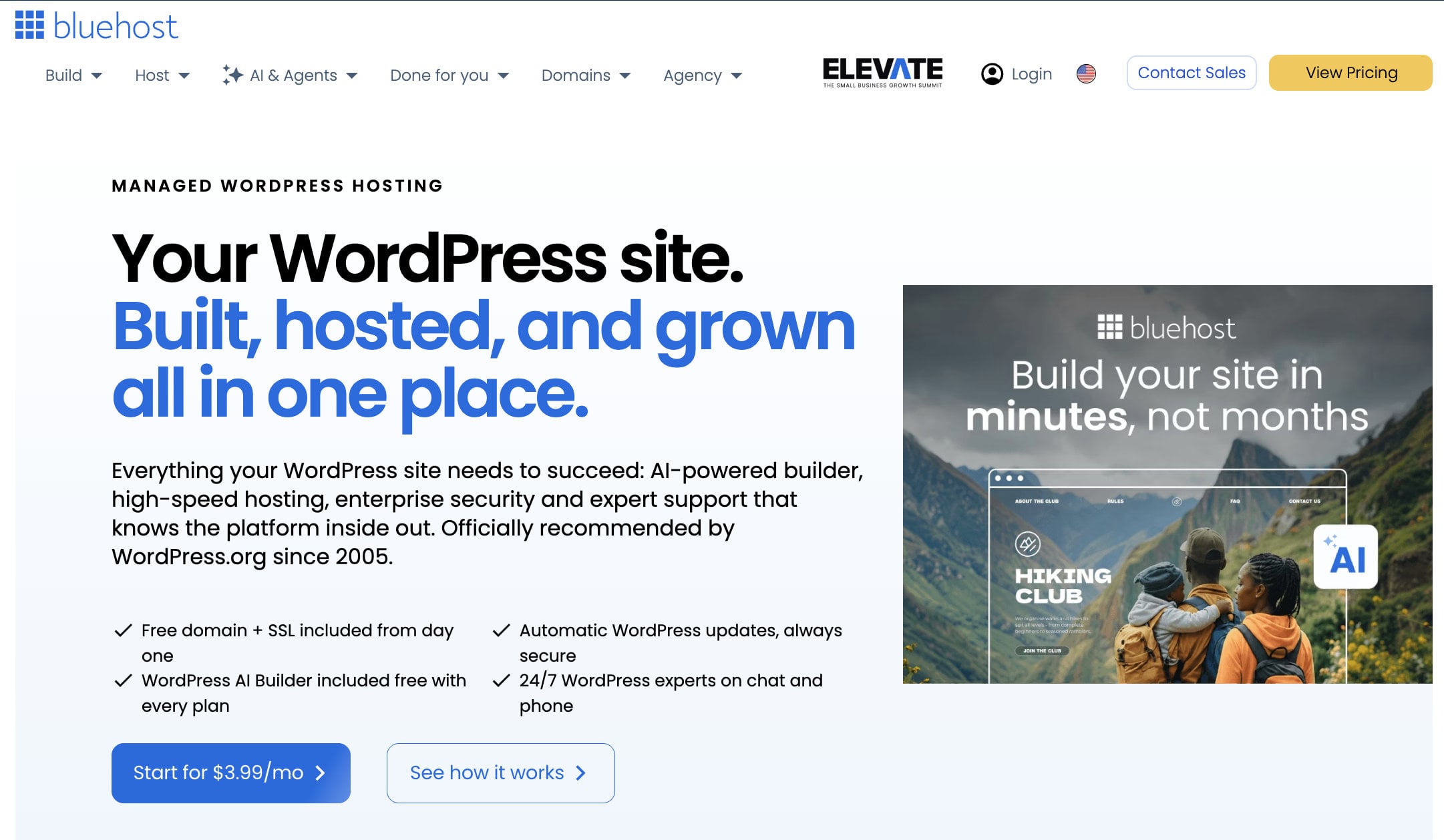
Bluehost may not be the top pick, but it is a leading choice for many website owners, and WordPress.org has listed it among its recommended hosts for years. Setting up a WordPress site on Bluehost is quick, and the platform gives you help with themes, plugins and a guided onboarding. Our Bluehost review covers the plans in detail.
See Bluehost’s WordPress Plans
Bluehost Pricing and Features
Bluehost’s WordPress hosting starts at $3.99/mo for one website, with 10 GB of storage, a free domain for the first year, SSL, email and chat support. Higher plans add resources and features, including support for up to 50 websites on the top business tier, phone support and staging. Bluehost Agency Hosting serves web designers who manage several client sites.
WonderSuite is the AI-powered part of the WordPress plans. It guides you through onboarding, and after you answer a few questions about your site, you can customize pre-made themes and pages to match your style. You can also build a blog or an online store with the same flow.
For more control, Bluehost sells self-managed VPS plans with NVMe storage and root access. Its NVMe 2 plan costs $4.69/mo on a 24-month term, NVMe 4 costs $9.49/mo, and NVMe 8 costs $12.99/mo. Bluehost also sells managed VPS plans with cPanel at higher prices, and dedicated servers for teams that need a single-tenant machine. Bluehost also sells cloud hosting, which spreads your site across several servers. These options give a WordPress site room to grow without a change of provider, although they cost much more than the entry plans. Like DreamHost, Bluehost also offers professional services, such as web design and digital marketing.
Bluehost Speed and Performance
Bluehost handles much of the technical work for you on its WordPress platform. A caching layer speeds up static and dynamic content, PHP and MySQL are kept up to date, and a free CDN distributes your site’s data around the world. The result is a faster time to first byte with little effort on your part.
The VPS plans use DDR5 memory and NVMe storage, which suits developers who want a fast base for Docker or AI agents. Bluehost does not name its data center locations on the plan pages, so check the region at checkout if latency matters.
Bluehost Backup and Security
Shoppers trust secure sites, and Bluehost includes a free SSL certificate on its plans so that payment details, usernames and passwords travel over an encrypted connection. Bluehost also sells security and backup tools, so check which ones your plan includes before you buy.
Daily backups and one-click restoration matter for any business site. Higher-tier plans include more protection, and the entry-level plans have fewer tools, so compare the plan features with your needs first.
Bluehost Customer Support
Bluehost offers 24/7 support by live chat on all plans, and phone support on higher plans. A knowledge base with articles, how-to guides and answers to common questions covers most setup steps, and a team of WordPress experts can help on demand.
Who Should Choose Bluehost?
Bluehost suits WordPress beginners who want a guided setup, small businesses that plan to grow and developers who want a root VPS. It is less suited to people who need phone support on the cheapest plan, since that channel comes with higher tiers.
7. PlanetHoster: Best Value for Money
Pros
- Each Projet Web runs on its own physical server
- LiteSpeed, LSCache and dedicated Redis and Memcached
- Daily backups kept for 45 days
- Phone, chat and ticket support 24/7
- Data centers in France, Switzerland and Canada
- Free domain on annual cycles and longer
Cons
- No data center in the US
- The pay-as-you-go model takes longer to understand
- Cash refunds apply only in the first 7 days
PlanetHoster is not our favorite choice, but it is recognized as a top web hosting provider in 2026 and gives good value for the money. It is a French-Canadian host that owns its infrastructure and runs data centers in Paris, Lausanne and Montreal. In April 2026 it replaced its old plans with a new model built around the Projet Web.
PlanetHoster Features and Services
A Projet Web has one main domain, unlimited subdomains and parked domains, email accounts and databases, and each project runs on its own physical server. PlanetHoster sells three types. Standard costs $7.99/mo and suits small sites and stores, Plus costs $12.99/mo for growing projects, and Ultra costs $19.99/mo with semi-dedicated resources, LiteSpeed Enterprise and LiteMage.
The launch promotion gives you a pack of 10 Standard projects, or one Ultra project, for $5.49/mo on a 24-month term. Standard has 10 GB of NVMe storage and Plus has 50 GB, while Ultra has 100 GB and an Auto Peak Power option that multiplies resources by 2.5 for four hours. Every plan includes free SSL, free migration, a free domain on annual cycles and longer, and an AI WordPress site builder.
PlanetHoster Speed and Security
PlanetHoster uses LiteSpeed and LSCache, with dedicated Redis and Memcached instances for each project, so a cache purge on one site does not clear another. The company says its sites load about 40% faster than a traditional shared host and cites a time to first byte of 185 ms for its plans. Those are vendor figures, and we have not measured them ourselves.
For security, each project has hardware anti-DDoS protection, an anti-malware tool and a web application firewall. Backups run daily, are encrypted and are stored in a remote data center, and PlanetHoster keeps them for 45 days. Because each project sits on its own server, a problem with one site does not spread to others.
PlanetHoster Customer Support
PlanetHoster provides support 24/7 by phone, chat, email and ticket, and it promises a response in under 15 minutes. It holds a 4.9 out of 5 rating on Google from more than 1,300 reviews and 4.7 out of 5 on Trustpilot. The refund policy gives you a 60-day withdrawal right, but cash refunds apply only in the first 7 days, and later refunds come as credit, so read the terms before you buy.
Who Should Choose PlanetHoster?
PlanetHoster suits agencies, freelancers and site owners who want isolated projects, phone support and data in Europe or Canada. It is less suited to people who want the simplest plan and the lowest entry price, since Hostinger is cheaper to start.
8. HostGator: Best for Shared Hosting

Pros
- Free domain for the first year on shared plans
- Unmetered bandwidth
- Phone and chat support
- Low-priced VPS plans with root SSH
Cons
- Limited data center footprint
- cPanel and priority support are not included on self-managed VPS plans
HostGator is not the biggest name in web hosting, but it is a solid choice for new site owners who want cPanel and affordable plans. It has about twenty years of history and sells shared, WordPress, VPS and dedicated hosting, so you can start small and move up. Our HostGator review has the details.
HostGator Pricing and Features
HostGator’s shared plans include a free domain for the first year, SSL, malware scanning, a pre-installed WordPress and chat support, and higher plans add more websites, phone support and more resources. Check the current price for your term on the plan page, since it changes with the commitment you choose.
Its VPS plans are the easiest to price: The self-managed Snappy 1000 NVMe 2 plan costs $2.64/mo with 1 vCPU and 2 GB of DDR5 memory, and Snappy 2000 costs $4.18/mo with 2 vCPUs and 4 GB. Snappy 4000 costs $8.36/mo with 4 vCPUs, 8 GB and 200 GB of NVMe storage, and all of them include root SSH, API access and unmetered bandwidth on AMD EPYC processors.
HostGator also sells WordPress hosting and e-commerce hosting with tools tailored to those uses, and dedicated servers for projects that outgrow a VPS. That range lets you start on a shared plan, move to a VPS when traffic grows and stay with the same company and the same dashboard.
HostGator Speed and Performance
HostGator lists a 99.9% uptime guarantee for shared hosting, and its self-managed VPS page claims 99.99%. The VPS plans use AMD EPYC processors and NVMe storage, which suits developers who want a fast base for their own stack. HostGator’s data centers are concentrated in the US, so a site with a European audience may see higher latency.
HostGator Backup and Security
HostGator includes SSL and malware scanning on its plans, and it offers backup tools such as CodeGuard for automatic daily backups. A dedicated IP and DDoS protection come with its VPS plans. Check which backup and security tools your plan includes, since some of them cost extra.
HostGator Customer Support
HostGator offers support by phone and chat, and it monitors its servers around the clock. A knowledge base and the HostGator blog cover common questions. Some users report slow chat responses at busy times and a dashboard they find clunky, so the experience can vary.
Who Should Choose HostGator?
HostGator suits beginners who want cPanel and a familiar dashboard, and developers who want a cheap root VPS. It is less suited to people who need the fastest chat support or servers outside the US.
9. GreenGeeks: Best Eco-Friendly Web Hosting
Pros
- Eco-friendly hosting with a renewable energy commitment
- LiteSpeed with LSCache and a free CDN
- Free domain and SSL on shared plans
- Data centers in North America, Asia and Europe
- 30-day money-back guarantee
Cons
- Renewal prices are much higher than launch prices
- Dedicated servers are expensive
- Only one site on the Lite plan
GreenGeeks is not at the top of our ranking, but its commitment to eco-friendly hosting and its fast load times make it one of the preferred choices for green web hosting in 2026. It is aimed at individuals, small businesses and WordPress site owners who care about their environmental footprint.
GreenGeeks Pricing and Features
GreenGeeks has three shared plans. Lite costs $2.95/mo on a 12-month term for one website and 25 GB of storage, Pro costs $4.95/mo for unlimited websites and 50 GB, and Premium costs $8.95/mo for unlimited websites, 100 GB, a dedicated IP and Redis object caching. The shared plans include a free SSL certificate, a free CDN, unlimited databases and unmetered data transfer, and its WordPress plans use the same pricing.
Renewal prices are steep: the Lite plan renews at $13.95/mo, Pro at $18.95/mo and Premium at $30.95/mo, according to third-party reviews of the current plan pages. That makes it smart to choose a longer term at signup if you plan to stay. GreenGeeks also sells VPS, reseller and dedicated hosting.
GreenGeeks Speed and Performance
GreenGeeks uses LiteSpeed web servers with LSCache, SSD storage, HTTP/3 and recent PHP versions for faster page loads. The Premium plan adds Redis for object caching, which helps busy WooCommerce stores and dynamic sites. One-click integration with a free CDN delivers your pages from servers near your visitors, and data centers in North America, Asia and Europe let you host closer to your audience.
GreenGeeks Backup and Security
GreenGeeks puts security first with container-based account isolation, a firewall and DDoS protection, and it monitors its network around the clock. Its team cleans up malware for free if a site is hacked, although restrictions apply. Nightly backups come with the plans, and you can request restores from your account.
GreenGeeks Customer Support
GreenGeeks provides support by live chat and phone, and its staff are reachable around the clock. Reviews rate the support as good, although some users would like faster or more detailed answers for complex problems.
Who Should Choose GreenGeeks?
GreenGeeks suits eco-conscious site owners, bloggers and small businesses that want green hosting and solid performance. It is less suited to people who want a stable price for many years, since the renewal costs several times more than the launch price.
10. GoDaddy: Best VPS Hosting for Developers
Pros
- VPS plans with root access and a choice of cPanel or Plesk
- NVMe storage on its hosting plans
- Chat and phone support 24/7
- Domain services and a free website builder
- 30-day money-back guarantee
Cons
- Higher prices than most competitors
- The lowest prices need a long term
- Some security tools and control panel options cost extra
GoDaddy is not the top-rated web hosting service, but it is a reputable provider known for generous server resources and for its domain services, which include tools to search for, generate and buy domain names. It is one of the original web hosting companies and has sold hosting since the late 1990s.
GoDaddy Pricing and Features
GoDaddy sells shared web hosting, WordPress hosting and VPS plans. The entry Economy plan costs $5.99/mo on a 36-month term and includes 25 GB of NVMe storage, one website, several databases, free SSL for the first year and a free migration tool. Deluxe and Ultimate add websites, storage and resources, and the higher-performance plans suit busy sites.
Its VPS hosting is flexible, with root access, NVMe SSD storage and a choice of cPanel or Plesk, and it suits developers who want to configure the server around their own hardware needs. GoDaddy’s managed WordPress plans add staging and tools for WooCommerce on higher tiers.
GoDaddy’s higher-performance plans suit sites with several websites, heavy traffic or resource-hungry applications, and they offer flexible resources that help you grow. We recommend its WordPress hosting plans if you want tools built for managing a WordPress site, although each managed WordPress plan hosts only one website.
GoDaddy Speed and Performance
GoDaddy is not the fastest host, but it uses NVMe storage to retrieve files quickly and has data centers in several regions. It advertises 99.9% uptime. Compared with Hostinger or SiteGround, it asks for a higher price for similar resources, so its advantage lies in breadth and brand.
GoDaddy Backup and Security
GoDaddy includes network security monitoring and DDoS protection, and its plans offer daily backups that you can restore from previous days. Free unlimited SSL certificates come with its Deluxe and Ultimate plans. Its Website Security service, with a web application firewall, a CDN and malware scanning, starts as a 30-day free trial on most hosting plans and costs extra afterward.
GoDaddy Customer Support
GoDaddy’s support team is available 24/7 by chat and phone, and you can search a large Help Center for answers. Phone support is a strength if you prefer a live voice, and GoDaddy’s size means it has answers for many common problems.
Who Should Choose GoDaddy?
GoDaddy suits developers who want a root VPS with a familiar control panel, and site owners who want hosting, domain and email under one brand. It is less suited to people on a tight budget. Our GoDaddy hosting review covers the plans in more detail.
How Do I Select a Web Host?
Several factors decide whether a provider suits your site. Weigh them against your own needs, since a host that suits a blog may be wrong for an online store.
Pricing
Budget matters when you choose a web hosting plan. You might prefer the performance of a dedicated server, but your budget may only allow shared or VPS hosting. Decide whether price or performance matters more, since performance needs depend on the resources your site uses and the tools each plan includes.
The overall value of a plan guides the choice too. Many providers keep their best features, such as discounts, free domains, website builders and optimization tools, for premium plans on long terms. If you choose shared hosting, expect launch prices of about $3 to $30 a month, which are often available only with terms of one to four years. Month-to-month plans usually cost $10 to $50 a month.
Also count the extras. Some hosts charge for backups, malware removal, email or a dedicated IP, and those costs can change the real price of a cheap plan. Read what the plan includes before you compare prices.
Some providers price WordPress hosting the same as shared hosting, although WordPress plans can cost slightly more. VPS and dedicated servers give you more performance and cost more, so they suit large e-commerce stores, web apps and game servers. If your site is small or medium-sized, start on shared hosting and upgrade as traffic grows.
If your budget is tight, read our comparison of cheap web hosting providers. Free web hosting is very limited, and we do not recommend it for real projects, but you can find the best free web hosting providers in our dedicated article.
Speed and Optimization
A slow website drives visitors away and lowers conversion rates. Ideally your pages load within one to two seconds, which takes a host with fast servers and good caching. The web server software is the first choice. Apache is the oldest and most used, Nginx is newer and often faster, and LiteSpeed is a paid drop-in replacement for Apache that serves static content quickly and uses fewer resources.
Data center location matters too. Hosting your site near your audience reduces latency and improves load times and search results. A content delivery network (CDN) copies your site to servers around the world and delivers content from the location nearest to each visitor, which shortens response times.
Pick a host that uses the optimization technology your site needs. A WordPress site, for example, gains the most from server-level caching, while a store with many products benefits from an object cache such as Redis.
Test your own site after you move. Run it through GTmetrix or Google PageSpeed Insights on the new host and compare the time to first byte with your old one, since real results depend on your theme, plugins and content.
Uptime Guarantee
Uptime is the time your website is available and working online. Most hosts promise 99.9% uptime, which allows about 8.76 hours of downtime a year for updates and maintenance. A good host keeps that promise, since downtime hurts business websites.
You can check a host’s record before you commit. Use a third-party monitor to watch the host’s own site or other sites it hosts, read reviews from people who tested the uptime, and use any trial period or refund window to test the service yourself. A guarantee usually means service credits when the host misses its target, so read what the credit covers and how to claim it.
Security Features
Security matters for every website, because most sites collect personal details through contact forms or online sales. An SSL certificate creates an encrypted connection between the web server and the browser, which blocks third parties from reading the data and builds trust with customers. You know SSL is active when you see a padlock in the address bar and the address starts with HTTPS.
Other important features include malware scanning, a web application firewall that filters and monitors HTTP traffic, and DDoS protection that keeps your server reachable during an attack. Backups matter too. Depending on the plan, hosts run daily or weekly backups that let you restore your files if something goes wrong, so check how often they run and how long the host keeps them.
Customer Support
Support is an extension of the hosting service. The best providers have knowledgeable staff who can guide you quickly through any issue, and you should be able to reach them by live chat, phone, email or tickets. You can test a host before you buy by asking a pre-sales question in chat and noting how fast and how clearly the team answers.
Choose a host with an easy setup and an onboarding flow that helps you create an account and launch your site. Also make sure the host has a knowledge base where you can search for guides and articles, since you can solve many problems yourself in a few minutes.
The Best Web Hosting Services: Final Thoughts
Choosing your next web host does not have to be complicated. Our top ten list covers the well-known providers across price, performance, security, support and uptime, and each one fits a different kind of site.
We compared hosts on performance, security, support, speed and uptime, and we favored providers that publish clear plan pages and keep their promises in real use. Where we ran our own tests, we say so in the review, and we label vendor claims as vendor claims.
Hostinger is our top pick for most people, because its low price, fast servers and easy dashboard help beginners launch quickly, and code GIZMODO takes another 10% off. SiteGround suits security-minded WordPress owners, and InMotion fits people who want phone support and a long refund window. Hosting.com offers speed with phone support, DreamHost suits developers who want a root VPS, and Bluehost is the WordPress-focused choice.
First clarify what kind of website you want to create and what resources it needs. Then compare the features each host offers for your use case, and finally check that the cost fits your budget. You can also read our list of the best shared web hosting providers or our comparison of cloud hosting services if you want a narrower view.
Claim Your Hostinger Plan and Discount
Frequently Asked Questions
If you still have questions after reading our guide to the best web hosting for a website, these answers cover the most common ones.
Which Web Hosting Provider Is the Best and Why?
Hostinger is our top-rated hosting provider, and it is often preferred for its low prices, rich features and fast loading speeds. The best choice still depends on your needs, so use the table above to compare the other nine. Write down your site type, expected traffic, budget and support needs first, and the choice becomes much easier.
How Do I Choose the Right Hosting Provider?
It depends on your needs. Beginners usually prefer shared or managed WordPress hosting, while businesses and e-commerce projects benefit from VPS or cloud hosting. Always check the uptime guarantee, speed, customer support and ease of use. A short trial, such as a money-back window, lets you confirm that the host fits before you commit to a long term.
Is Free Web Hosting a Good Option?
Free hosting can work for testing or very small personal projects, but it is usually slow and limited, with ads, no custom domain and weak security. For professional use, we recommend paid hosting.
How Important Is Website Speed in Hosting?
Very important. Hosting directly affects page loading times, which shape user experience and search rankings. A good provider uses fast storage, a CDN and optimized servers to keep your website quick.
Can I Change Hosting Providers Later?
Yes. Most hosts offer free or paid migration services that move your website with minimal downtime. It is best to pick a provider that makes migration easy if you expect your site to grow.
Which Web Host Is Best for WordPress?
Bluehost and Hostinger are both recommended by WordPress.org, and both suit WordPress beginners. Bluehost gives you a guided WordPress setup and Hostinger gives you a lower entry price, so choose the one that matches your priorities.