Most people start looking for free cloud storage when something fills up: the phone warns that its storage is full, or an email with a folder of photos won’t send. A subscription for a few gigabytes of photos is hard to justify, so a free plan sounds like the obvious answer. The catch is that free plans differ in ways the sign-up page doesn’t show.
Some keep a deleted file for weeks, others erase it the moment you press Delete, and only a few lock your files so that even the company can’t open them. We’ve tested 20+ cloud services, and five free plans stood out. Below is more detail on each one, with the quick ranking first.
Best Free Cloud Storage Plans for October 2026
- pCloud: Best free cloud storage overall, with automatic PC folder backup
- Internxt: Best for privacy, with the strongest encryption on a free account
- NordLocker: Best for sharing, with links that expire and can require a code
- MEGA: Best for free space, with files encrypted on your device
- Google Drive: Best for documents, with Docs, Sheets, and Slides built in
Free Cloud Storage Compared: Space, Encryption, and Recovery
| Service | Free storage | End-to-end encryption | Protected share links | Deleted files kept | PC folder backup |
| pCloud | Up to 10 GB (2 GB at signup) | No | No | 15 days | Yes |
| Internxt | 1 GB | Yes, post-quantum | No | 2 days | No |
| NordLocker | 3 GB | Yes | Security code and expiry date | Not kept | No |
| MEGA | 20 GB | Yes | No | 30 days | Yes |
| Google Drive | 15 GB, shared with Gmail | No | No | 30 days | Yes |
Free Plans We Recommend
1. pCloud: Most Complete Free Plan
Pros
- Automatic backup of PC folders
- Uploads close to full connection speed
- Choice of US or EU data storage
- File requests and a public folder
- Built-in music and video player
- Extra space for simple setup tasks
Cons
- End-to-end encryption costs extra
- No passwords or expiry dates on free links
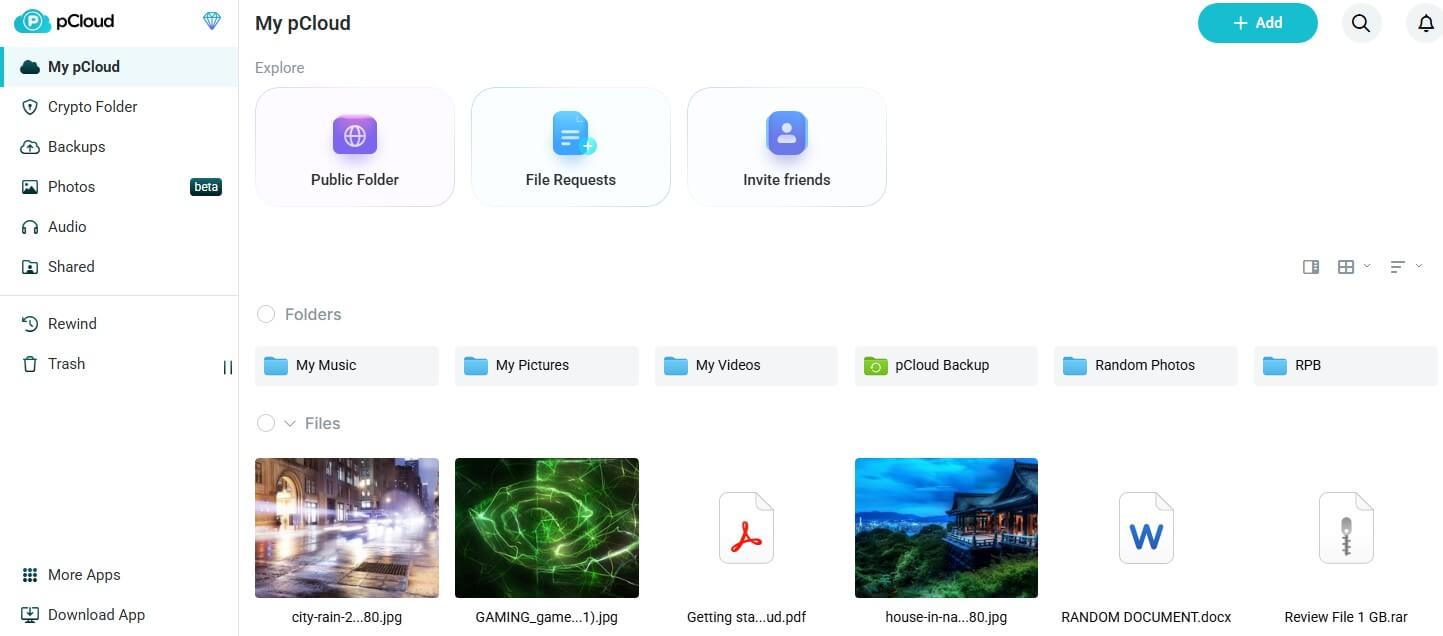
pCloud starts every new account at 2 GB and adds 1 GB for each setup task, such as confirming your email address, installing the phone app, or inviting a friend, up to 10 GB in total. That’s room for a few thousand phone photos. The backup tab lists common folders such as Desktop and Documents, and you can add others, so new files go to the cloud without extra effort. Deleted files stay in the trash for 15 days, long enough to notice a mistake and undo it.
In our October tests, pCloud had the quickest upload of the free accounts. Our 500 MB archive went up in 3 minutes 32 seconds, using almost all of our connection’s 19.69 Mbps upload speed, and came back down in 24 seconds. Our account used pCloud’s US region from Europe, and new accounts can pick EU storage instead. I deleted the test file and restored it from the trash.
End-to-end encryption, which leaves only you with the key, isn’t on the free plan. pCloud sells it as a separate Encryption add-on, so tax documents and ID scans are safer on Internxt or NordLocker. Free share links can’t have a password or an expiry date either, so send sensitive files another way. Our pCloud review covers the paid plans, and our Internxt vs pCloud comparison shows how the two differ.
2. Internxt: Best for Post-Quantum Encryption
Pros
- Post-quantum encryption on the free account
- Files readable only by the account owner
- Open-source apps
- Free encrypted file transfers with Internxt Send
- Quick uploads and downloads
Cons
- Small free allowance
- Very short trash window on free accounts
- Backups and link passwords locked behind paid plans
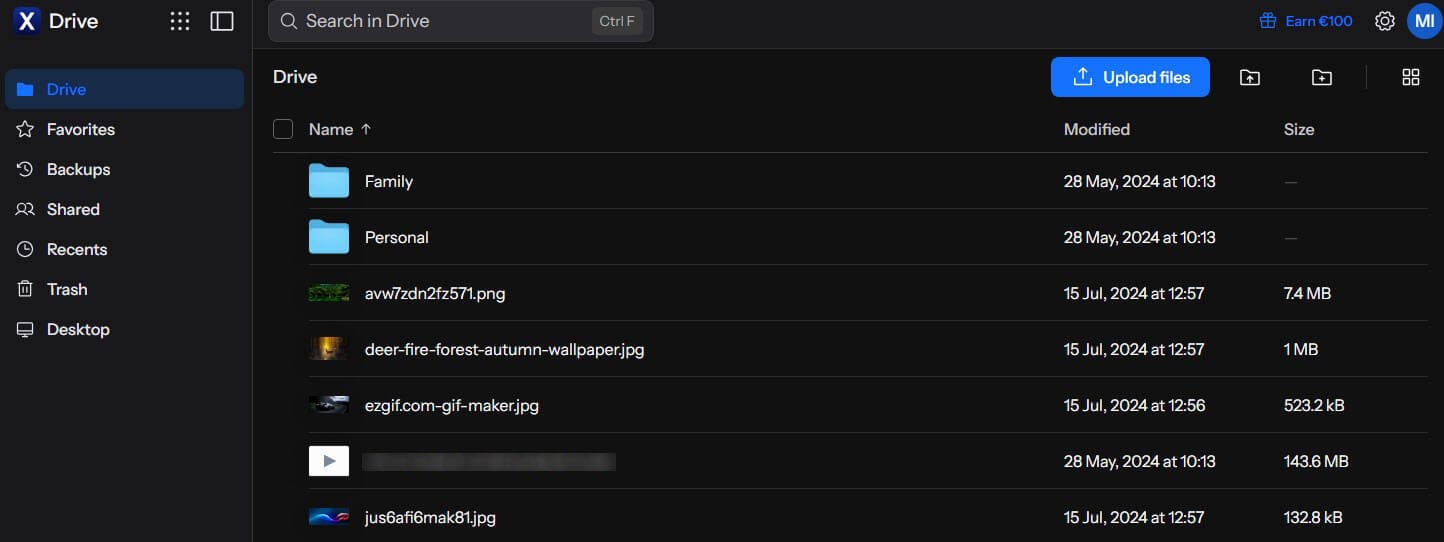
Internxt has only 1 GB of free space, but it’s the only free account we tested with post-quantum encryption, a newer type designed to stay secure even against future quantum computers. It pairs the AES-256 standard with Kyber-512, and files are encrypted on your device before upload, so only you can read them. That extra step didn’t slow it down: the upload finished 2 seconds after pCloud’s, and the download took the same 24 seconds.
I restored the deleted archive from the trash, but on a free account, the trash empties itself after 2 days, so check it the same day if you delete something by mistake. Password-protected links, computer backups, the antivirus, and the Cleaner tool show an upgrade prompt on the free account, so use pCloud or MEGA if you want free folder backup.
The 1 GB covers documents and a few hundred photos, so a phone’s camera roll requires a paid plan or a bigger free account like MEGA’s. Our guide to fully encrypted cloud storage and the full Internxt review go deeper.
3. NordLocker: Best for Protected Share Links
Pros
- End-to-end encryption on the free plan
- Links with security codes and expiry dates
- Recipients don’t require a NordLocker account
- Synced NordLocker folder in File Explorer
- Multi-factor authentication on free accounts
Cons
- No trash for deleted files
- No automatic folder backup
- No file versioning
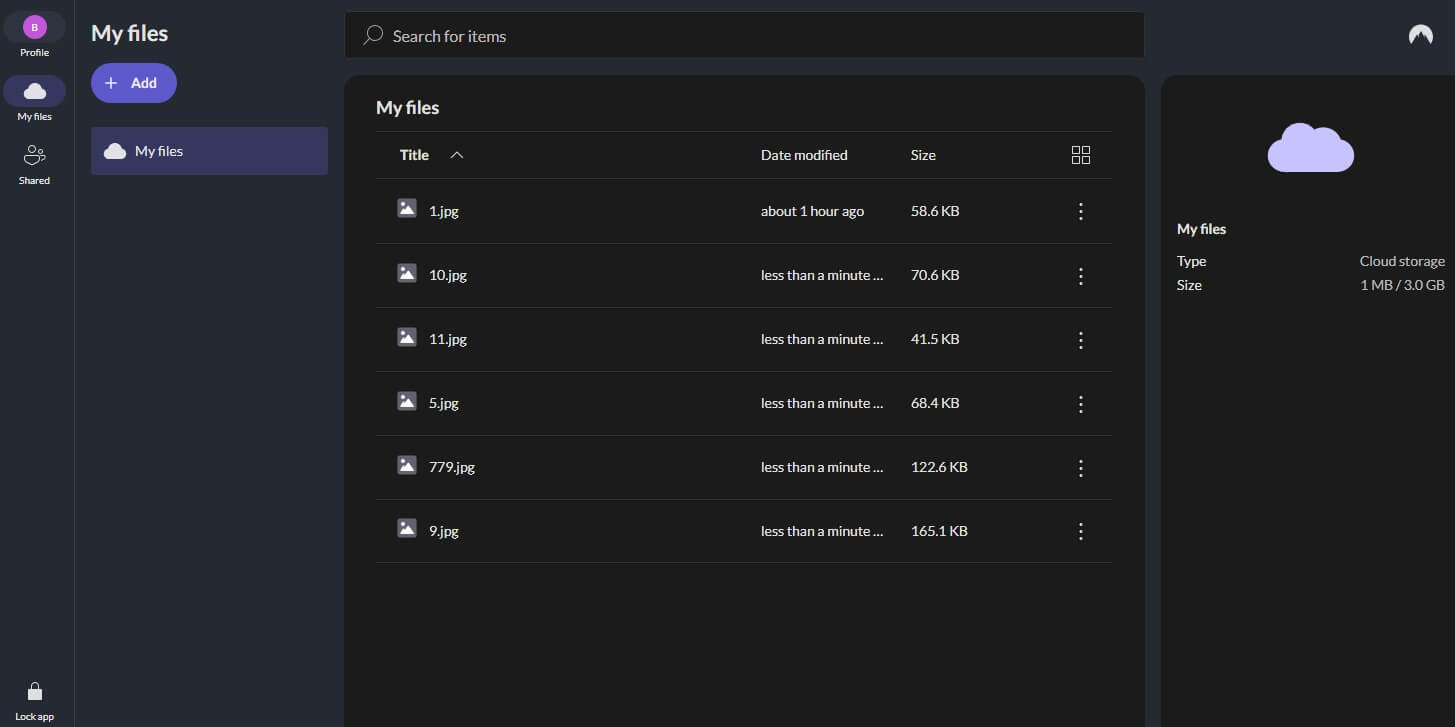
NordLocker comes from the team behind NordVPN and includes 3 GB, with every file encrypted before it leaves your device. It’s also the only free plan in our ranking with protected share links. Each link expires after 14 days by default, and you can extend that to about a year. A link can also require a security code, which the person receiving the file enters before downloading.
Its upload finished 16 seconds after pCloud’s, a difference you’d notice only on large uploads, and the download was 3 seconds slower. Files go in by hand, with no folder backup. Deleting the test file showed its biggest weakness: NordLocker has no trash, and the file was gone immediately.
Version history, which keeps earlier copies of an edited file, is missing too. Keep a second copy of every file you store there. Its encryption still places it among the most secure cloud storage services.
4. MEGA: Best for Free Storage Space
Pros
- Largest encrypted free allowance
- Files encrypted on your device
- Automatic folder backup on the free plan
- Month-long recovery for deleted files
- Built-in chat and video calls
Cons
- Slower uploads on our connection
- Link passwords and expiry dates require a Pro plan
- Data deleted after long inactivity
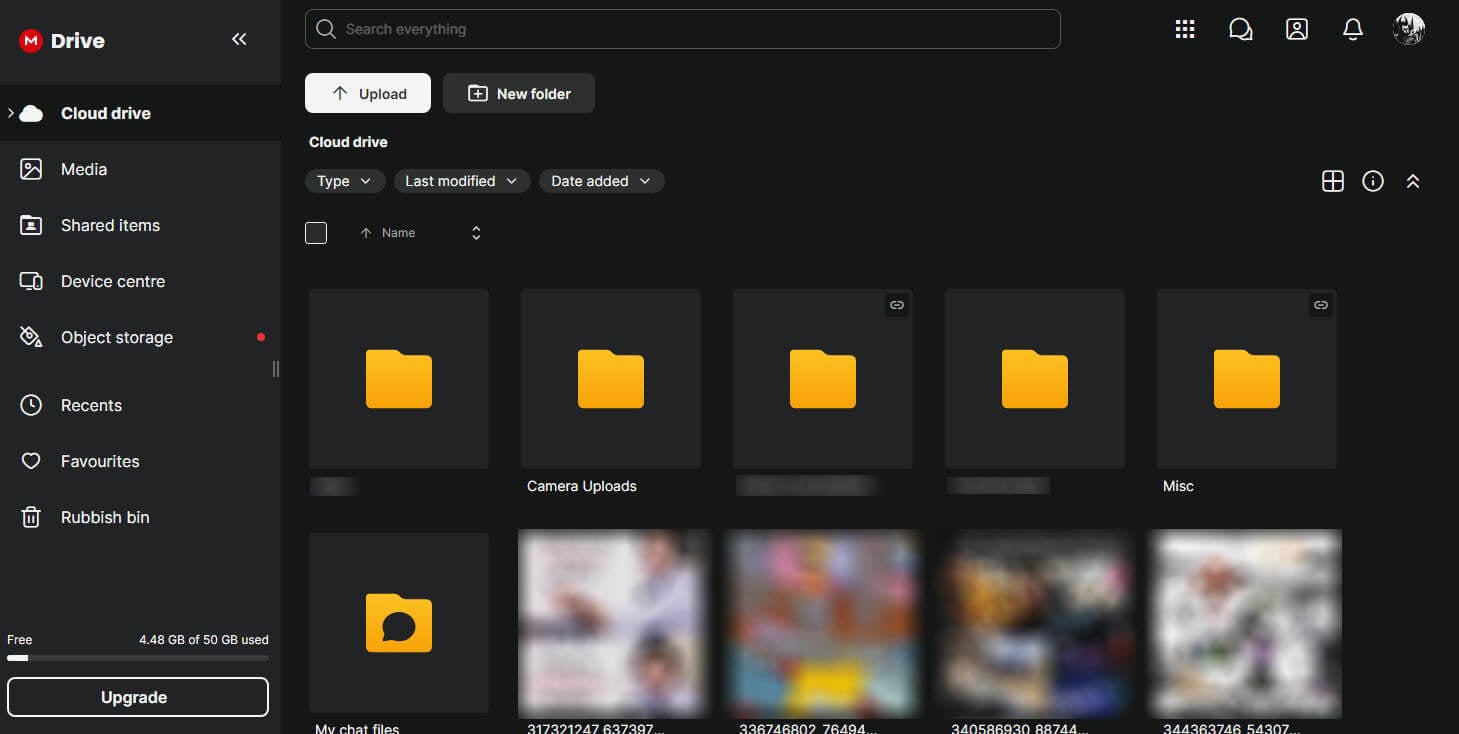
MEGA has the largest free plan we tested that encrypts every file end to end. A fresh signup showed 20 GB and no bonus offers, though our older MEGA account, opened when the free plan was bigger, still has 50 GB. Twenty gigabytes is four times iCloud’s free storage, so MEGA is a good free home for a photo library.
MEGA’s upload took 4 minutes, 28 seconds longer than pCloud’s, and its download was 1 second slower. For sharing, MEGA can send the decryption key separately from the link, so a link forwarded to the wrong person is useless on its own. Password protection and link expiry require a Pro plan, though. MEGA can also delete free accounts that stay inactive for a long time, so sign in every few months.
5. Google Drive: Best for Free Office Apps
Pros
- Gemini prompts in the desktop app
- Offline access to chosen files
- PC folder sync with Google Drive for desktop
- Comes with most Android phones
- Fast transfers in our tests
Cons
- Gmail and Photos count against the storage
- No end-to-end encryption
- Sharing relies on account permissions only
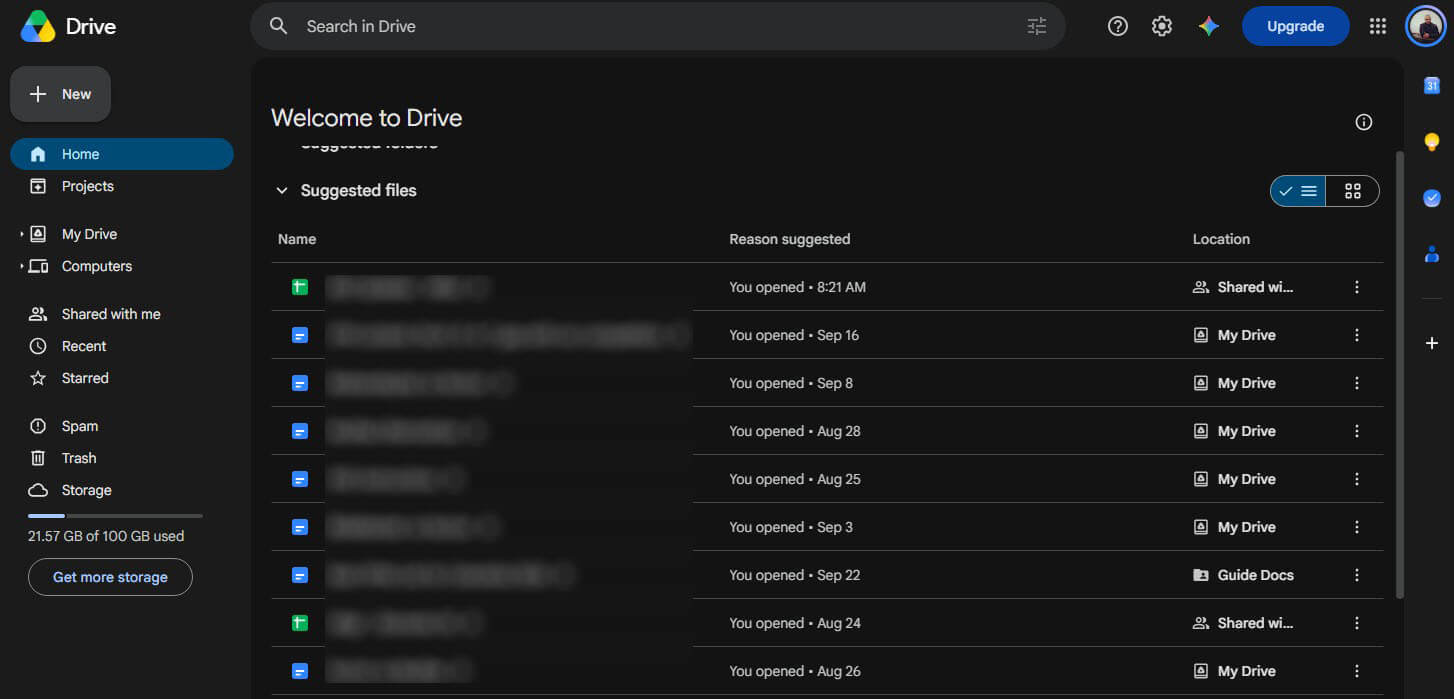
Google Drive includes 15 GB, but Gmail and Google Photos use the same space, so a large inbox takes part of it, and deleting old attachments frees some up. In return, the free plan includes Docs, Sheets, and Slides, and several people can edit the same file at once. It works on iPhone and Android, which makes it one of the easier iCloud alternatives. Google Drive for desktop finished the upload 1 second after pCloud and matched its 24-second download.
Files in Drive’s trash can be restored for 30 days. Privacy is the trade-off: Google encrypts files on its servers but keeps the keys, so it can technically read them, and share links from a personal account can’t be locked with a password or set to expire.
Can You Get 1 TB of Free Cloud Storage?
Yes. TeraBox has 1,024 GB on its free plan, and our new account showed the full amount right after signup. That’s about 500 hours of HD video. TeraBox’s own plan table marks the free allowance as limited-time, though, so it may change. The service is operated by Flextech Inc. in Tokyo and was previously called Dubox. Free accounts can upload files of up to 4 GB each, and the Personal Vault keeps 200 MB behind a four-digit PIN.
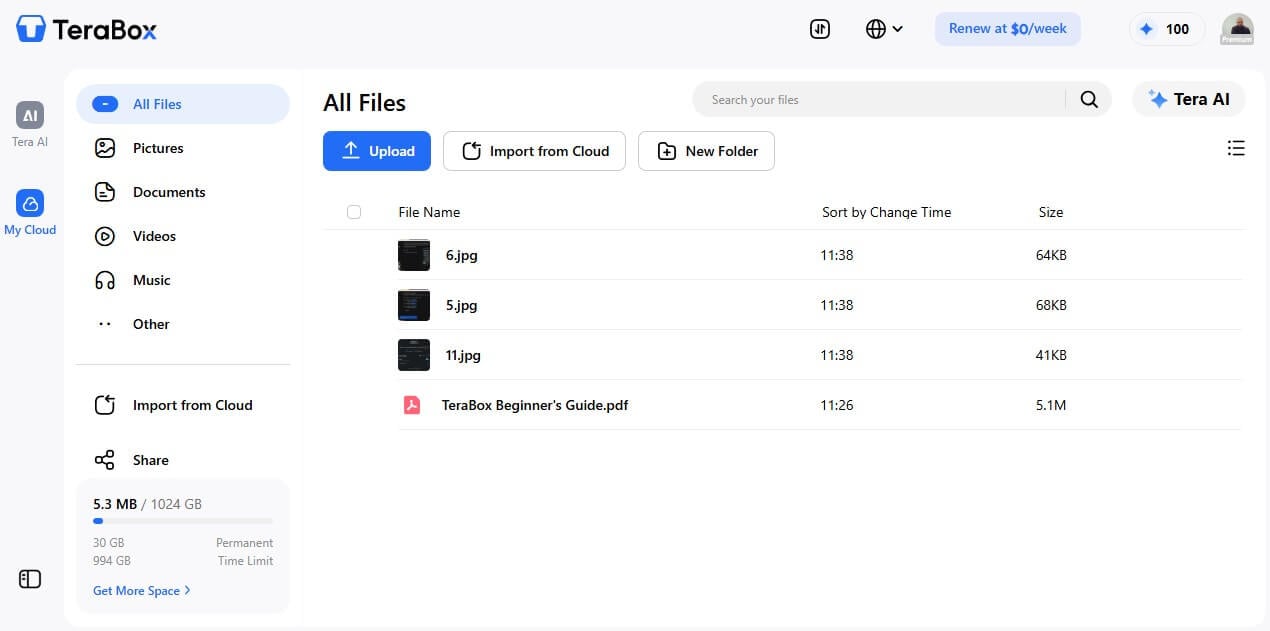
The trash keeps deleted files for 10 days, videos play at 480p, below the quality most phones record, and files aren’t encrypted end to end. Ad-free use is a paid feature, though during our test, the desktop app showed only a WPS Office promotion and a weekly subscription offer, and the browser version showed no ads.
TeraBox also had the slowest download we recorded, at 34 seconds, and its browser upload took 4 minutes 5 seconds, 33 seconds behind pCloud. Sharing is more flexible than on pCloud, MEGA, or Google Drive: share links can have a four-character password and expire after 7 days, 30 days, or never. TeraBox works for files that aren’t sensitive, such as videos, installers, and old project archives.
Does Free Unlimited Cloud Storage Exist?
No. No mainstream cloud storage service has an unlimited free plan, and the largest free allowance we found is TeraBox’s 1 TB. Unlimited storage is a paid feature: Sync.com sells it to individuals for about $270 in the first year, and our ranking of the best paid cloud storage covers it.
How to Increase Your Free Storage
The simplest method is to combine accounts. Signing up for pCloud, Internxt, NordLocker, MEGA, and Google Drive adds up to 49 GB at no cost, and Proton Drive’s 5 GB takes the total past 50 GB. Some services also add space for setup tasks:
- pCloud: 1 GB per setup task or invite, up to 10 GB
- Proton Drive: starts at 2 GB and adds 3 GB for three setup actions completed within 30 days
Spreading files across six accounts also means six logins to remember and six different trash rules, so keep this setup for archives that rarely change.
Which Free Plans Back Up Your PC?
pCloud, MEGA, and Google Drive back up PC folders automatically on their free plans. Internxt limits backups to paid plans, and NordLocker has no backup feature. These backups mirror the chosen folders, so a file deleted on the PC also moves to the cloud trash. Recovery then depends on how long the trash keeps it: 15 days on pCloud and 30 days on MEGA and Google Drive.
After that, a file deleted by mistake is gone, so check the trash soon after a clean-up. IDrive’s free plan includes 10 GB for full computer backup and restore, and our IDrive review explains how it works.
Free Plans From Dropbox, Proton, Apple, and Others
Other well-known services offer free plans too, each with one limit that kept it out of our top five:
| Service | Free storage | Main limit |
| Dropbox | 2 GB | Three devices at most |
| Proton Drive | 5 GB | Starts at 2 GB until three setup tasks are done |
| Microsoft OneDrive | 5 GB | Shared with Outlook.com email |
| Apple iCloud | 5 GB | Shared with iPhone backups and photos |
| Sync.com | 5 GB | Slowest transfers in our tests |
| Box | 10 GB | 250 MB maximum file size |
How Safe Is Free Cloud Storage?
Free cloud storage is safe when the encryption fits the files. The services we ranked encrypt files in transit and on their servers, so a stranger on the same Wi-Fi can’t read them. The difference is who has the keys. Internxt, NordLocker, and MEGA encrypt files on your device, so the company can’t open them, while pCloud’s free plan and Google Drive keep the keys on their side. Our guide to how cloud storage works explains where those keys are kept.
None of our ranked services shows ads. Their free plans exist to sell paid storage, a cleaner model than the ad-funded one behind many free VPNs.
How We Tested
In our October tests, we created a fresh free account with each service on a Windows 11 PC in Europe. Our connection’s baseline was 187.95 Mbps for downloads and 19.69 Mbps for uploads, so uploads were about ten times slower than downloads. We uploaded the same 500 MB archive of music and videos through each desktop app, and through the browser for TeraBox.
| Service | Upload (500 MB) | Download (500 MB) |
| pCloud | 3:32 | 0:24 |
| Google Drive | 3:33 | 0:24 |
| Internxt | 3:34 | 0:24 |
| NordLocker | 3:48 | 0:27 |
| MEGA | 4:00 | 0:25 |
| TeraBox | 4:05 | 0:34 |
Then we downloaded it to an empty folder, deleted it, and tried to restore it from the trash. We also checked sharing and backup settings on every free account. Upload speed on a home connection limits every service, so the differences were small. For bigger uploads, see our fastest cloud storage results.
Final Thoughts
A free plan is enough for most people, as long as it matches the files you put in it. We’d sign up for pCloud first: it backs up your PC folders, keeps deleted files for 15 days, and grows to 10 GB through setup tasks and invites. For private documents, Internxt and NordLocker lock files on your device, though Internxt’s 1 GB fills quickly and NordLocker can’t undo a deletion. MEGA has room for an encrypted photo library, and Google Drive works best for documents you edit with other people.
TeraBox’s 1 TB is genuine, but none of it is encrypted end to end, so keep it for files you wouldn’t mind others seeing. When the free space is used up, pCloud’s paid plans keep the same apps and speed, from about $50 a year for 500 GB. And before you delete files from a free account, check how long its trash keeps them.
Frequently Asked Questions
Is cloud storage free?
Yes, many cloud storage services offer a free plan with a few gigabytes of space. Paid plans add more storage and extra features, such as longer file recovery and protected share links.
What is the best free cloud storage for Android?
pCloud is the best free cloud storage for Android, with automatic photo upload and PC folder backup. Google Drive is the most convenient alternative, because it comes preinstalled on most Android phones.
Which free cloud storage is the most secure?
Internxt is the most secure free cloud storage, encrypting files on the device with post-quantum protection. NordLocker and MEGA also encrypt files end to end, so the company can’t read them.
Which cloud storage offers the most free space?
TeraBox offers the most free space by far, though files aren’t encrypted end to end. Among encrypted services, MEGA has the largest free plan, followed by pCloud once its setup tasks are done.
Does free cloud storage keep deleted files?
Usually, yes. Most free plans keep deleted files in a trash folder for a limited time, though the period varies widely, and NordLocker deletes files immediately with no way to restore them.
Is free cloud storage good for a small business?
Only for light use. Free plans are built for individuals, with limited space and no admin tools, so most small businesses are better served by a paid team plan.
Does free cloud storage expire?
Most free plans don’t expire, but some services delete accounts that stay inactive for a long time. Signing in now and then keeps a free account and its files active.